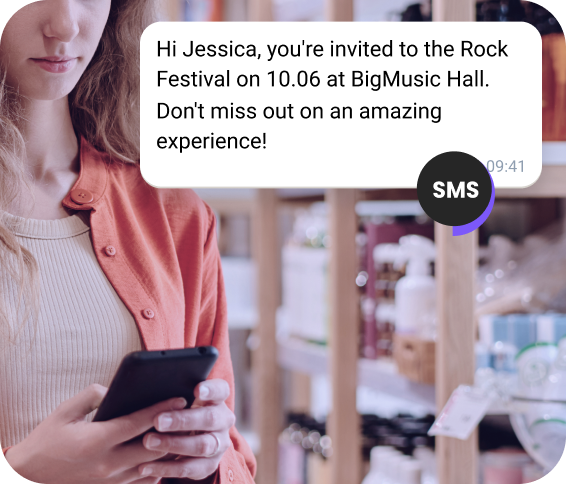
Prioritize SMS Messages

Check

No credit card required

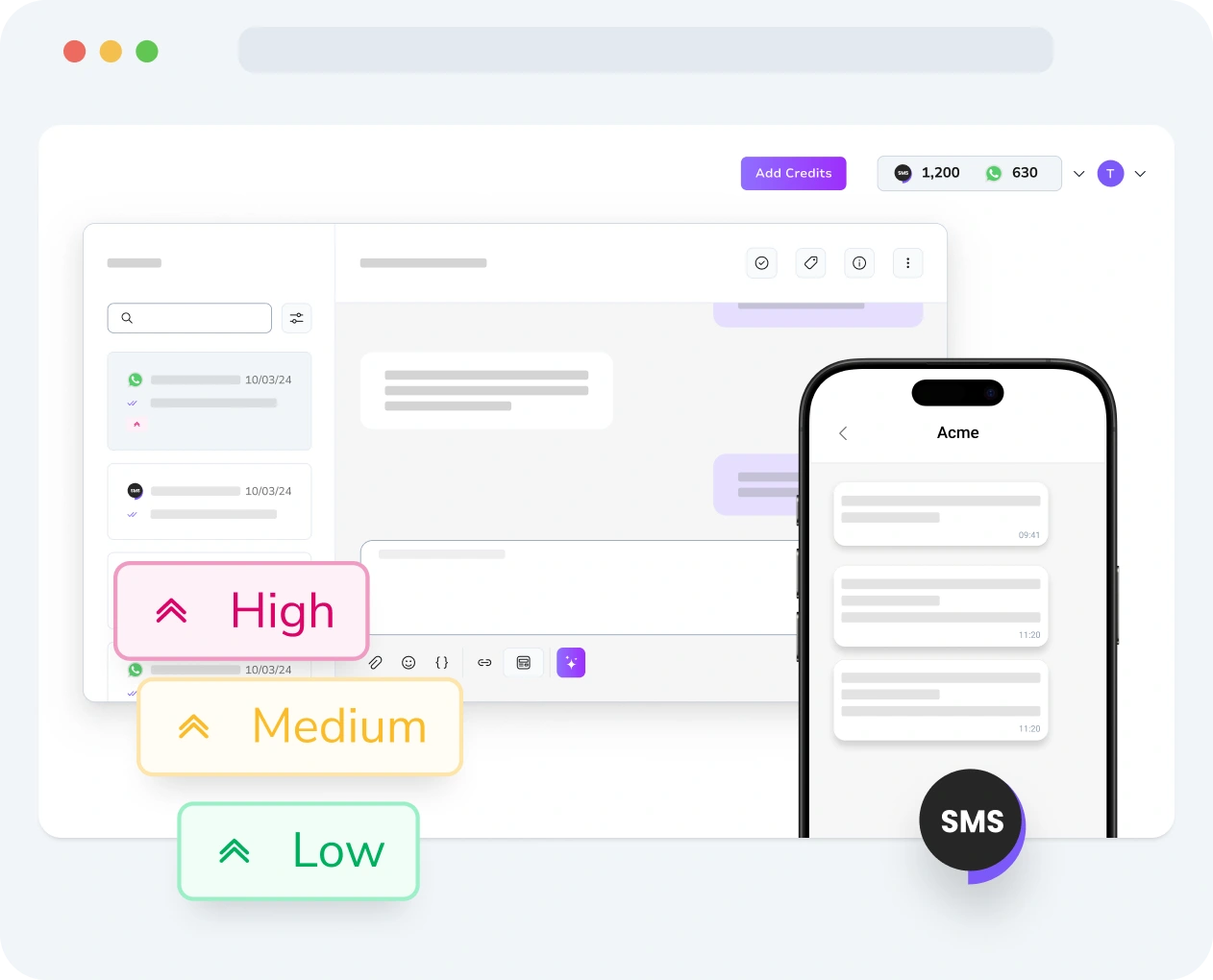
Interface displaying SMS message priority settings and performance metrics in TopMessage.
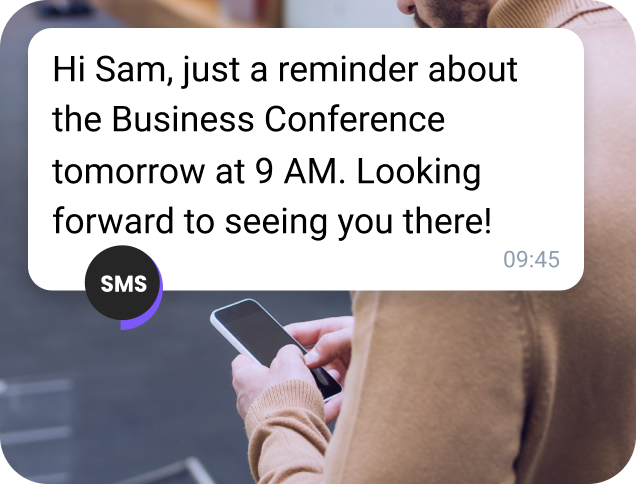
Business user checking a high-priority SMS in TopMessage on their computer.
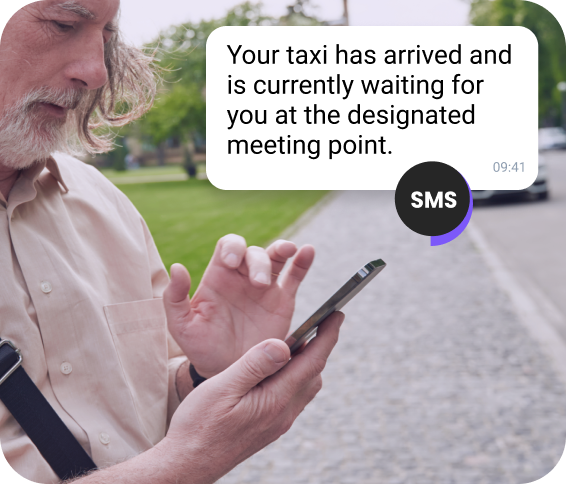
Team member monitoring incoming SMS messages sorted by priority in real time.
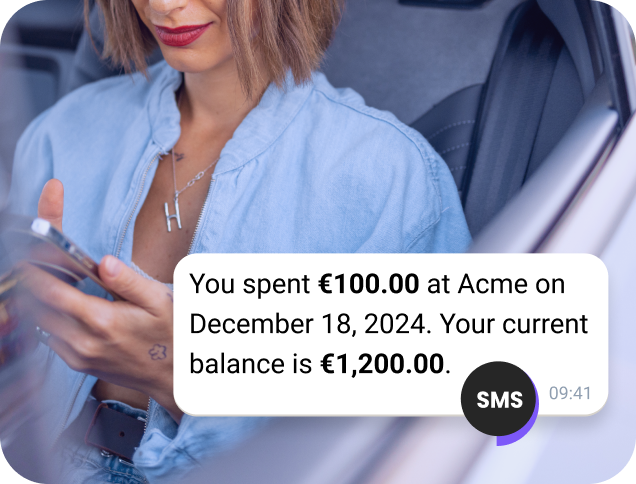
User tracking multiple SMS messages with assigned priorities in the TopMessage interface.
Developer reviewing SMS message priority logs to verify proper handling and delivery.

SMS Conversation Prioritization

Some SMS messages from customers are more urgent than others, such as important requests or issues that need quick resolution. With TopMessage SMS conversation prioritization, you can mark these messages as high priority so they automatically appear at the top of your inbox.

Prioritize SMS messages in your inbox and ensure that conversations are handled based on their level of urgency.

Check

No credit card required

SMS Priority Service

SMS Prioritization by Urgency
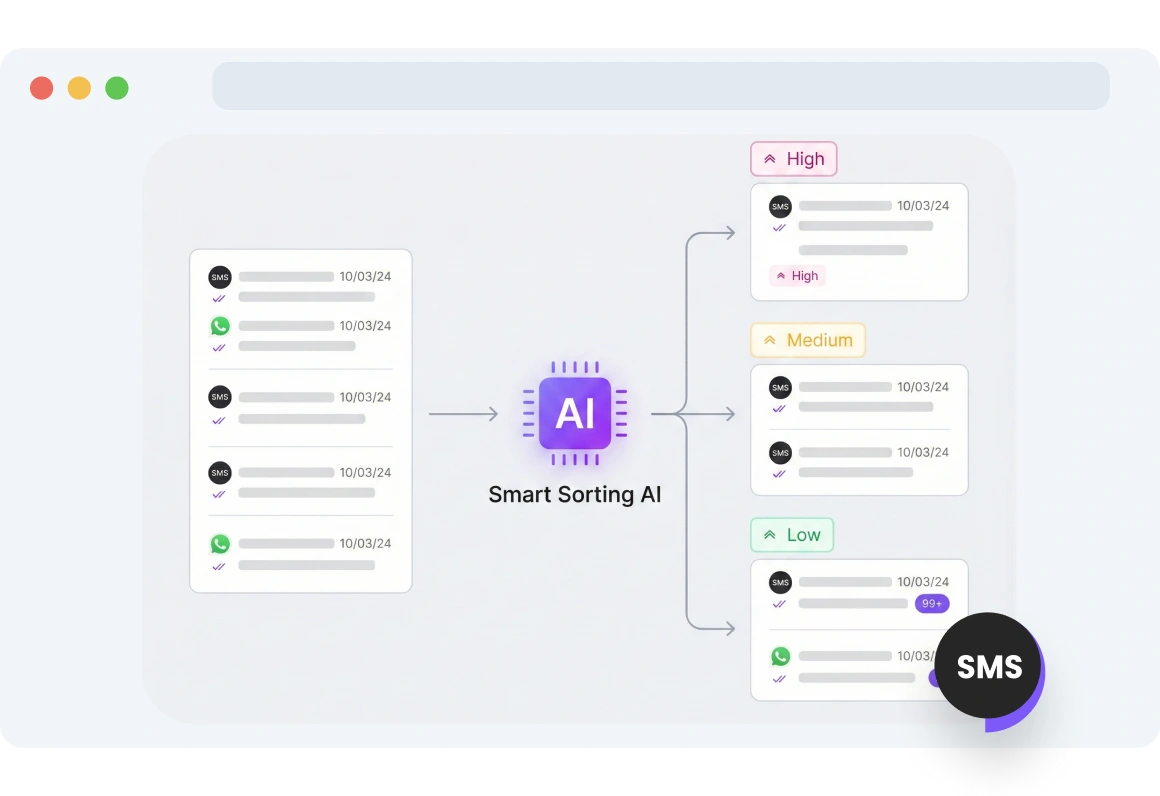
TopMessage interface showing SMS messages automatically sorted by priority, with urgent messages appearing at the top for quick action.

Priority-Based Message Sorting

Stay ahead of operational challenges with priority-based SMS sorting. Urgent messages rise to the top, allowing teams to quickly address scheduling conflicts, staff shortages, and time-sensitive requests.
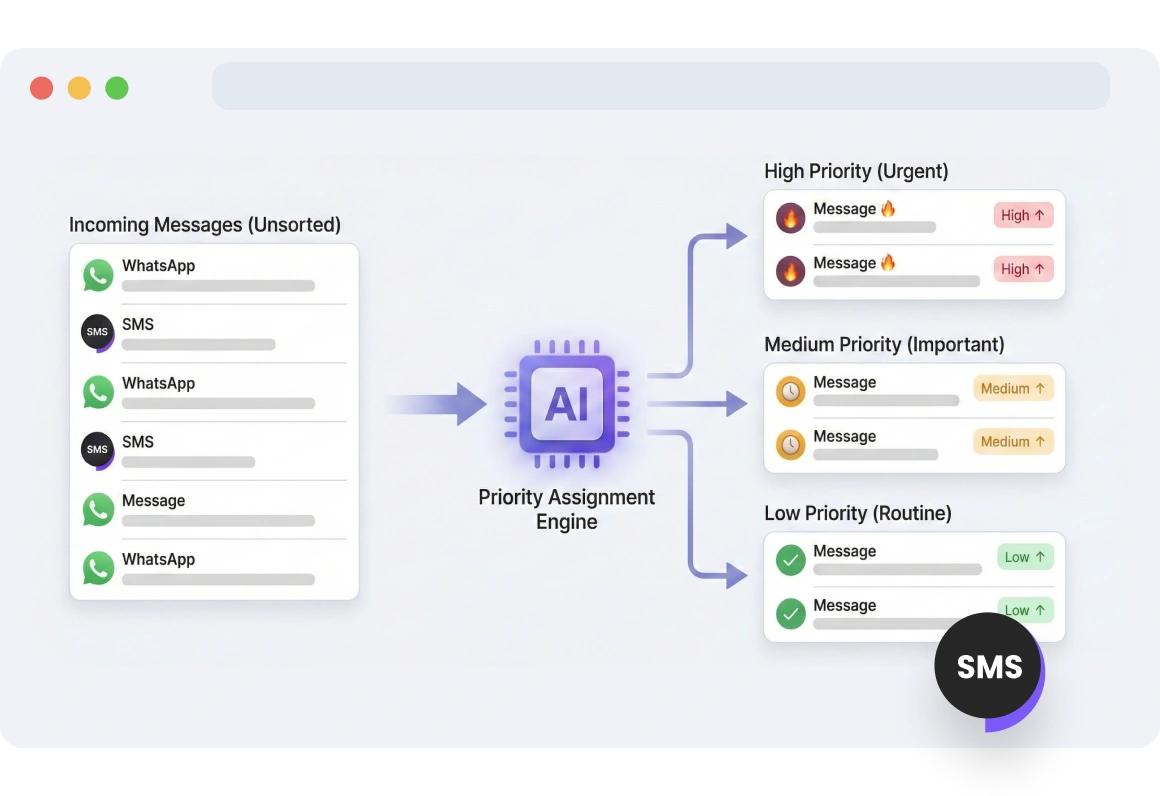
Dashboard displaying SMS messages with high, medium, and low priority levels assigned, allowing users to adjust urgency as needed.

Multilevel Priority

Control message priority in your inbox. All messages start as medium priority, and you can raise or lower their priority depending on urgency.
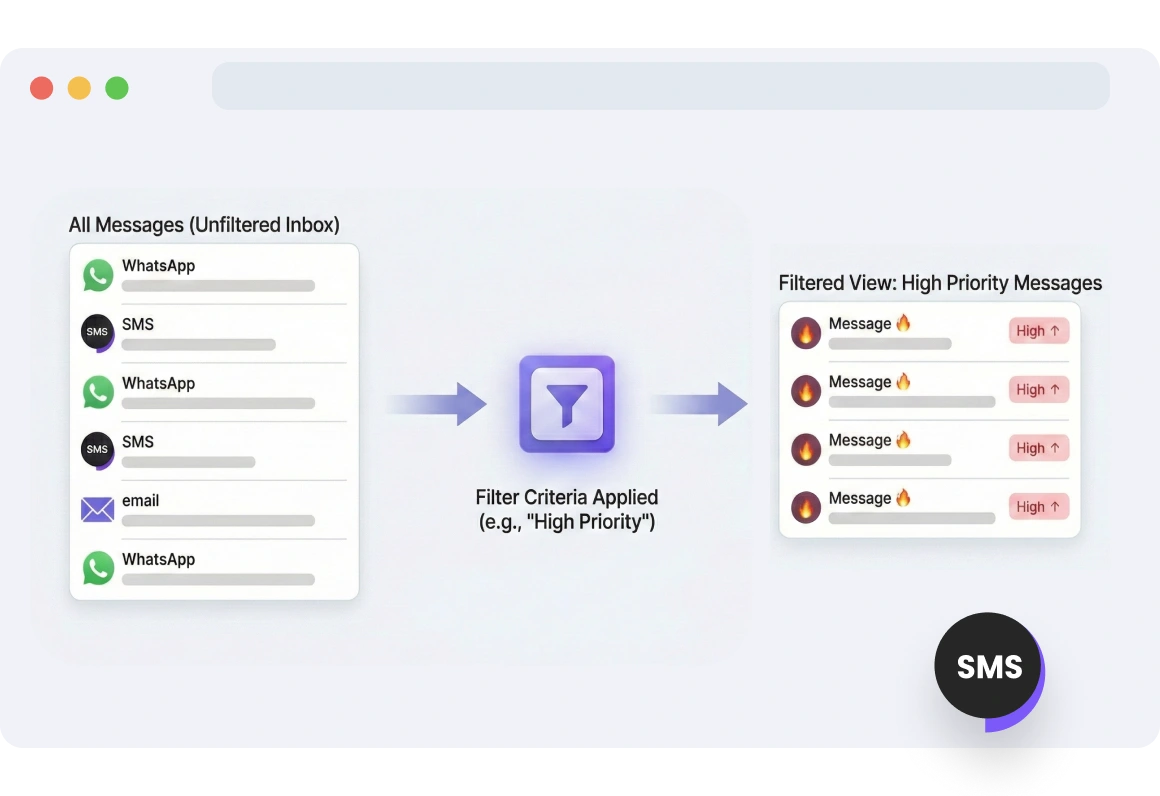
Inbox view filtered by SMS priority, highlighting high-priority messages while lower-priority messages remain in the background.

Organize SMS by Priority

Organize your inbox by filtering SMS messages based on priority. Focus on urgent messages and handle lower-priority ones as needed.
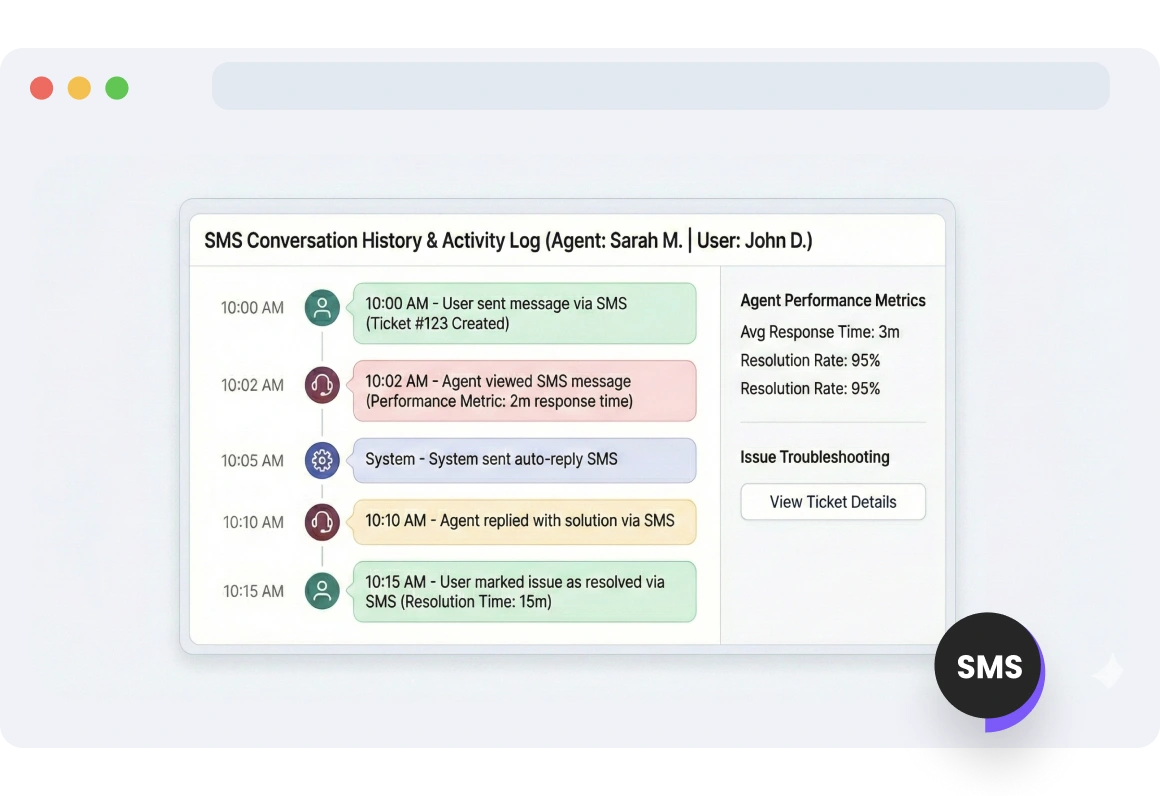
TopMessage interface tracking SMS messages and their priority changes over time, providing insights into workflow and communication patterns.

Track Priority History

Track SMS messages and their priority changes to better understand communication patterns and ensure urgent issues are prioritized.

FAQs

What is SMS conversation prioritization and how does it work with TopMessage?

SMS conversation prioritization in TopMessage allows you to assign priority levels-high, medium, or low-to incoming messages. High-priority messages are surfaced at the top of your inbox, ensuring that urgent messages are addressed first while less critical messages remain accessible.

How can I update SMS message priority based on urgency?

You can update the priority of SMS messages directly within your TopMessage inbox. Select a message or conversation and assign it a priority level based on its urgency. This helps ensure that time-sensitive messages are handled promptly.

What are the benefits of filtering SMS messages based on priority?

Filtering messages by priority helps your team focus on the most important conversations, improves response times for urgent messages, and keeps your inbox organized. It also ensures resources are allocated efficiently, addressing critical issues first.

How does real-time priority updating work for SMS messages?
Priority updates happen instantly in TopMessage. When a message’s priority is changed, it immediately moves to the correct position in your inbox, so your team always sees the most urgent messages first without needing to refresh or manually sort.

SMS Conversation Prioritization

Ready to get started?

Curly-haired girl sitting on the floor checking her phone for a “Thank You” message received for her subscription