
Respect Subscriber Preferences with Easy WhatsApp Opt-Outs
WhatsApp marketing is powerful, but only when you respect your subscribers’ choices. With TopMessage’s WhatsApp opt-out management tools, you can easily manage customer relationships and stay fully compliant.
TopMessage offers two ways for customers to unsubscribe from WhatsApp messages: through an opt-out link or opt-out keywords. You always have access to the list of unsubscribed contacts and can easily manage opt-outs. If customers unsubscribe accidentally or change their minds, you can resubscribe them and include them in your marketing campaigns.

No credit card required
WhatsApp Opt-Out Management
Give customers control via WhatsApp opt-out management
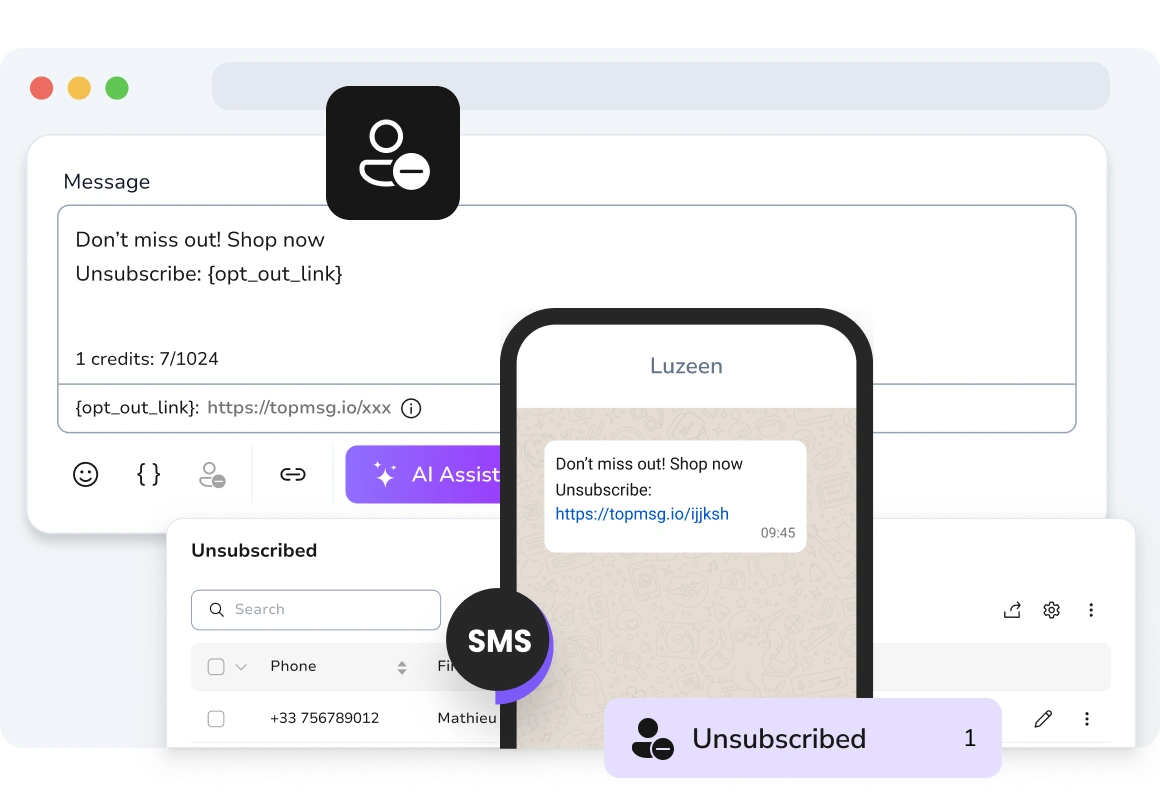
Opt-Out Links
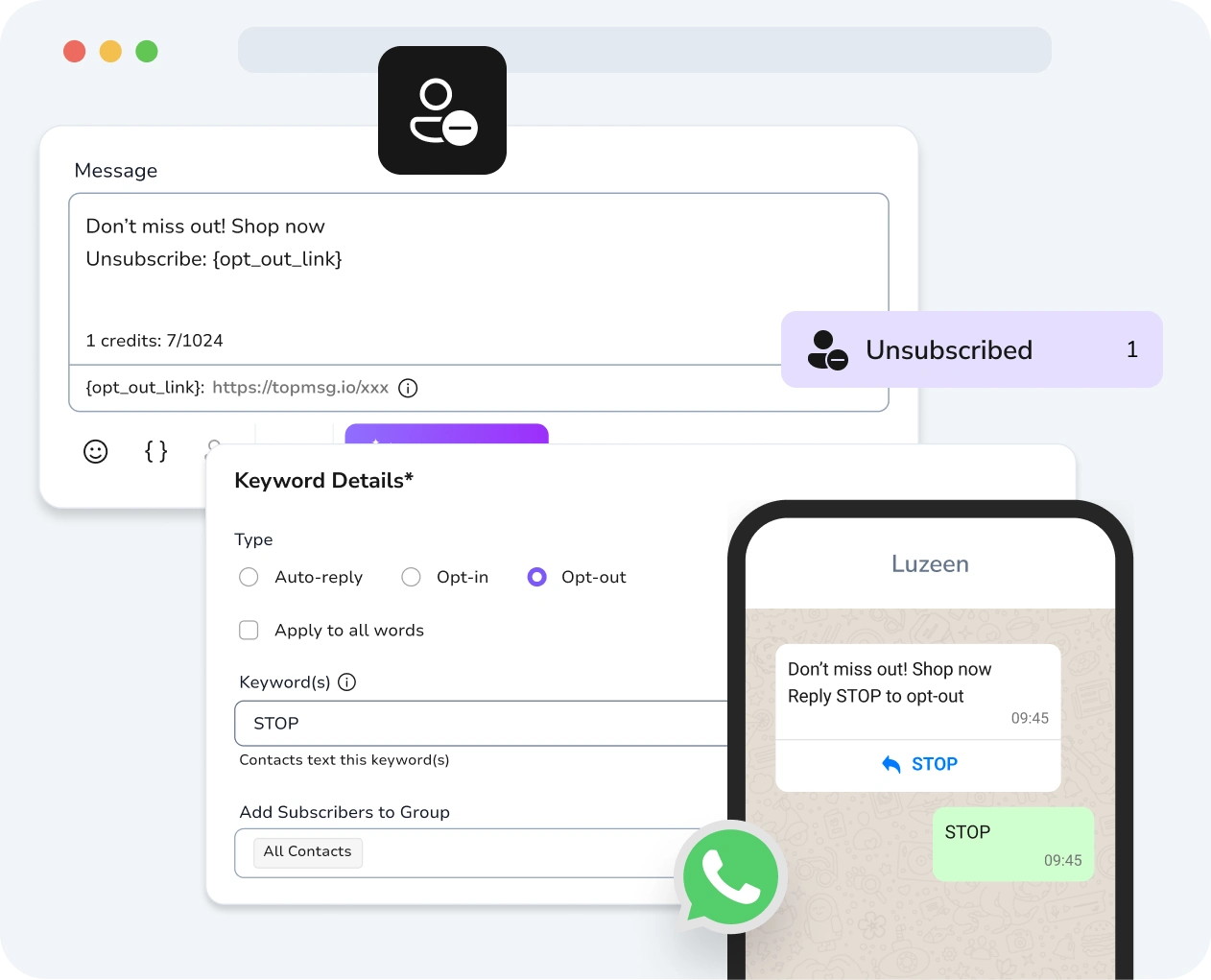
The WhatsApp opt-out link is automatically included in your messages, and when a recipient clicks that link, their number is added to your unsubscribed list. Include the {opt_out_link} in your campaigns, and anyone who clicks is immediately moved to the Unsubscribed Contacts list.
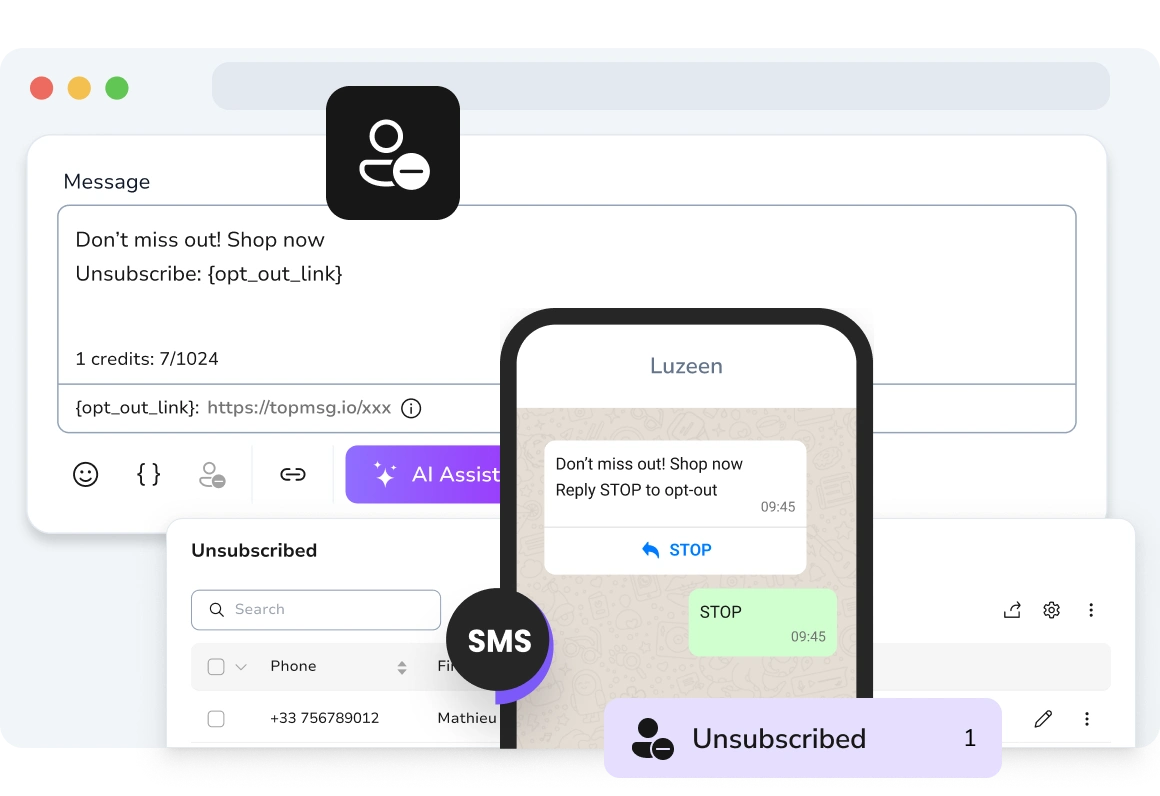
Opt-Out Keywords
Make WhatsApp opt-out management easy with TopMessage. When customers send keywords like “STOP” or “CANCEL” to your WhatsApp number, they are automatically unsubscribed from future commercial messages. This builds trust while protecting your brand from being marked as spam.
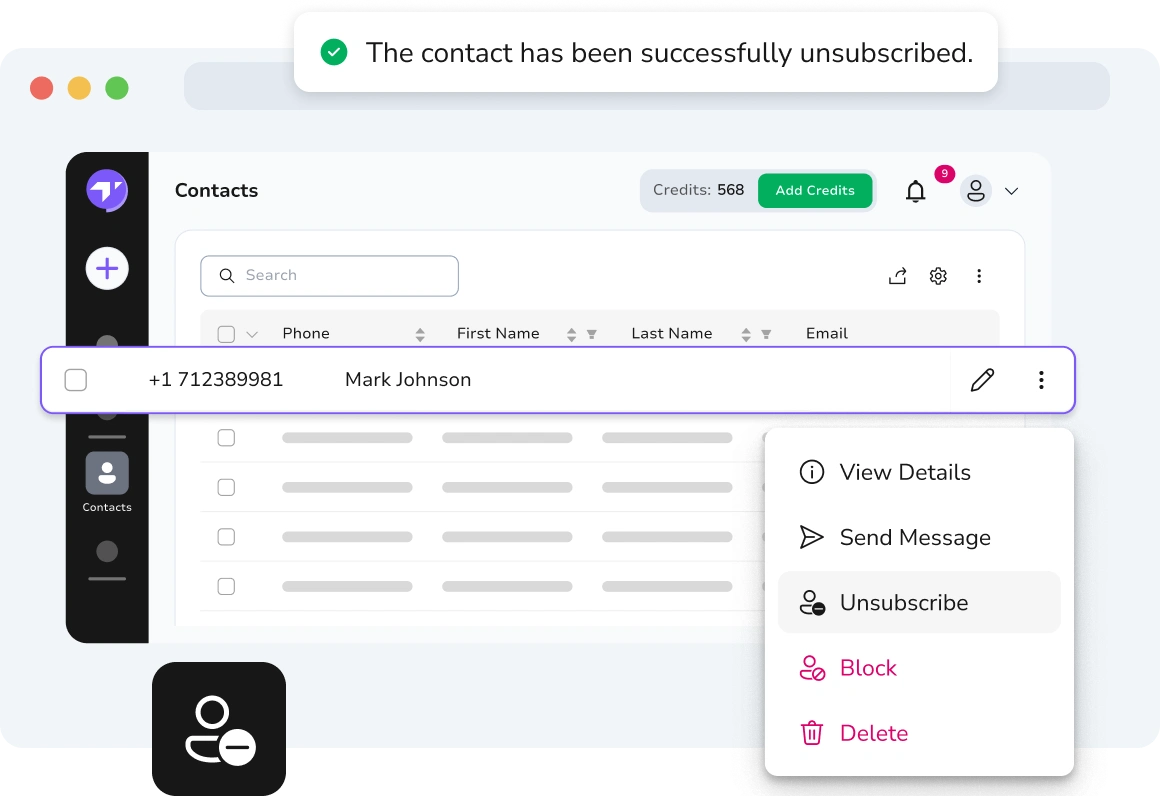
Manual Unsubscription
Remove contacts from WhatsApp campaigns manually whenever needed, ensuring messages reach only the right audience.
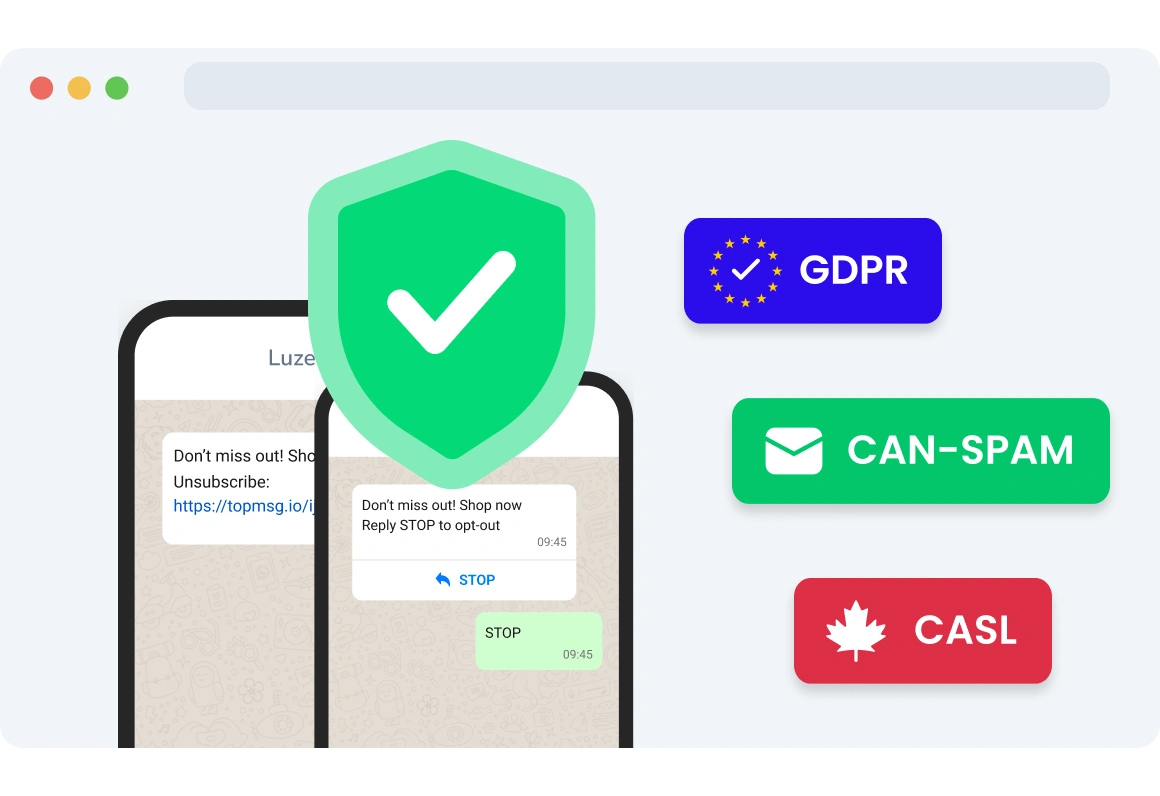
Compliance
Enabling WhatsApp opt-out is essential for legal compliance. Regulations like GDPR, CAN-SPAM, and CASL require that recipients can withdraw consent at any time, making opt-out links a must-have feature. This ensures that all future messages comply with regulations and gives customers the freedom to choose what they receive.
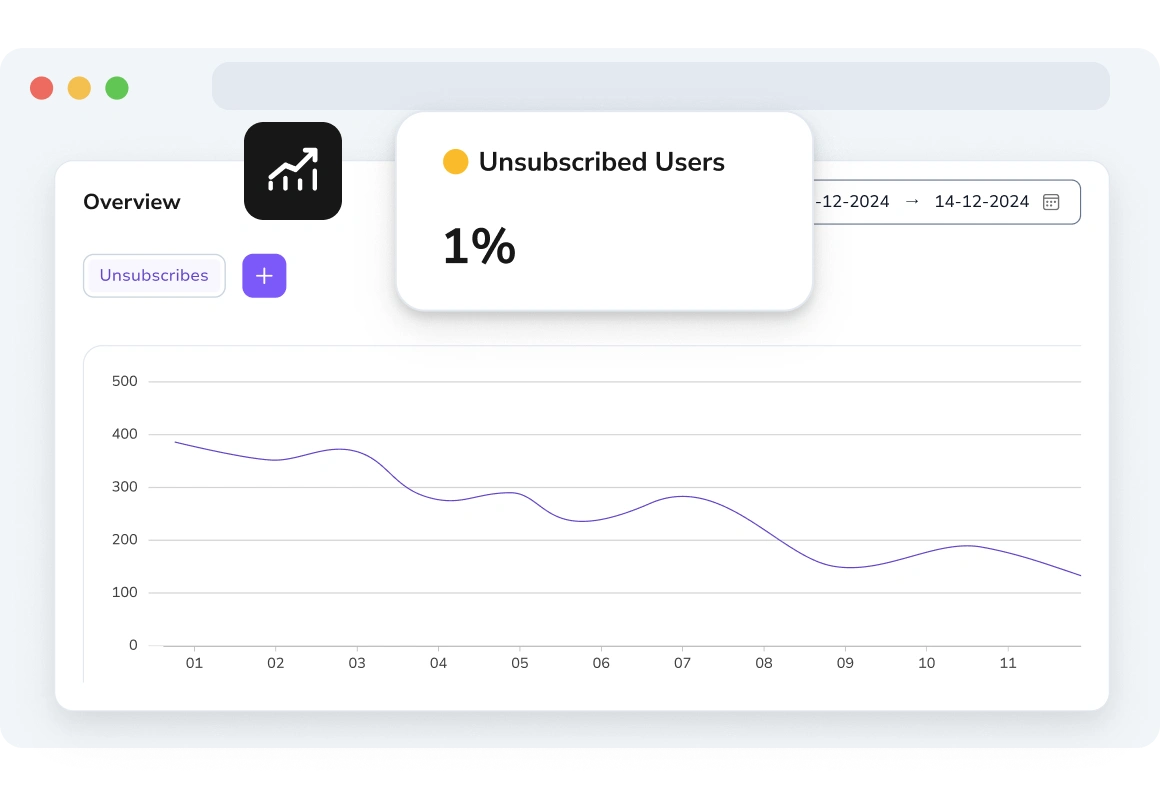
Unsubscription Insights
TopMessage automatically tracks users who unsubscribe from your WhatsApp messages and delivers actionable insights. By monitoring your campaign’s overall unsubscribe rate, you can identify patterns and refine future messaging to boost engagement.
FAQs
What is WhatsApp Opt-Out Management?
How Do WhatsApp Unsubscribe Links Work?
Which Regulations Does WhatsApp Opt-Out Support?
How Can I Manually Unsubscribe a Recipient?
How Does Automated WhatsApp Unsubscription Work?
How Can I Track WhatsApp Unsubscription Statistics?
WhatsApp Opt-Out Features
Discover TopMessage’s WhatsApp opt-out management today!