Webhooks for WhatsApp Business Messaging

Check

No credit card required

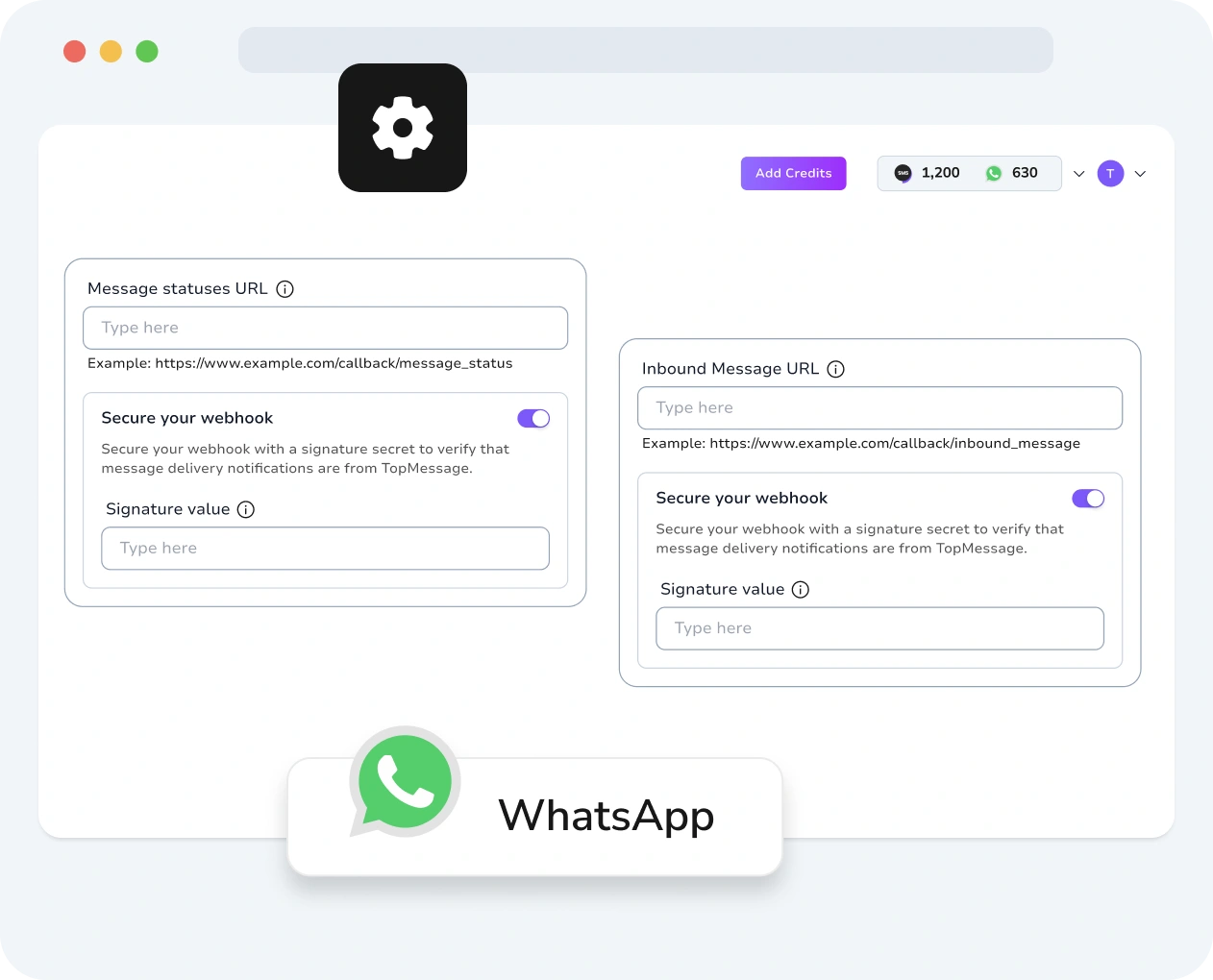
Screenshot of TopMessage interface displaying WhatsApp webhook setup with customization and performance metrics.
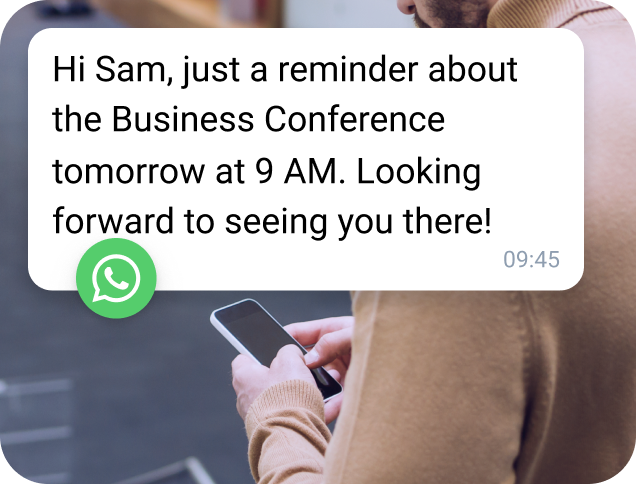
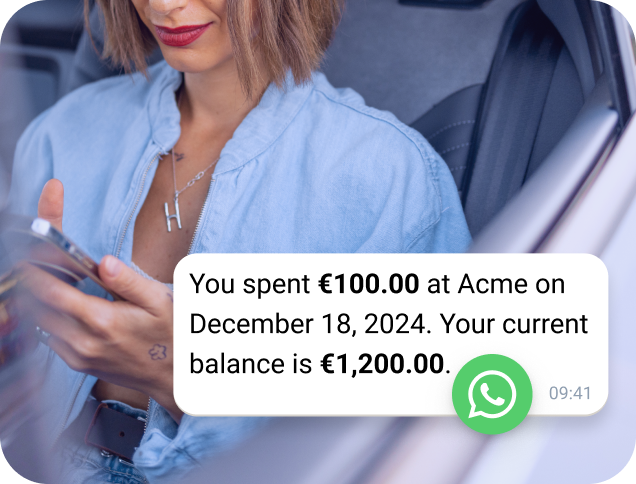
Customer viewing a WhatsApp message received via a TopMessage webhook.
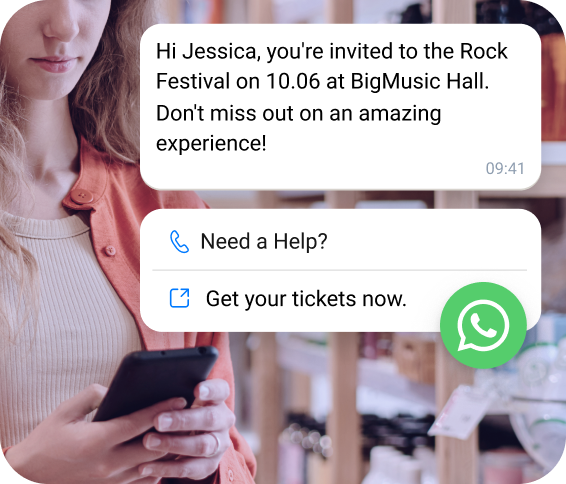
User interacting with a WhatsApp conversation triggered by a TopMessage webhook.
Team member monitoring multiple WhatsApp webhook events in the TopMessage dashboard.
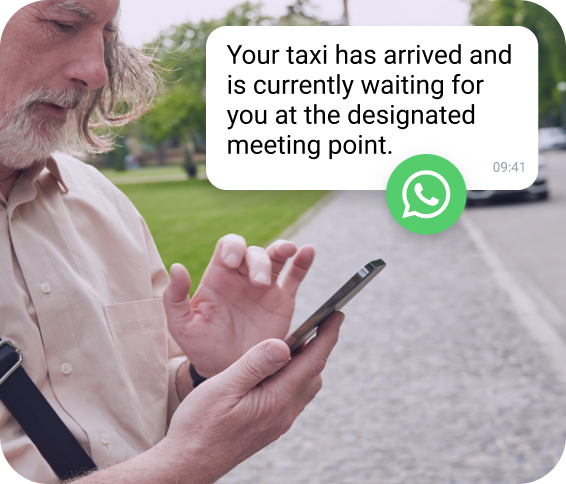
Person responding to a WhatsApp message initiated through a TopMessage webhook.

Create WhatsApp Automated Workflows

Get instant updates in your app. TopMessage keeps you informed whenever new messages arrive or message statuses change in your WhatsApp Business account.

Create WhatsApp automated flows that reply instantly to frequent questions or trigger a second message when the first one is opened.

Check

No credit card required

WhatsApp Webhooks

Automate WhatsApp Actions with Event-Based Triggers
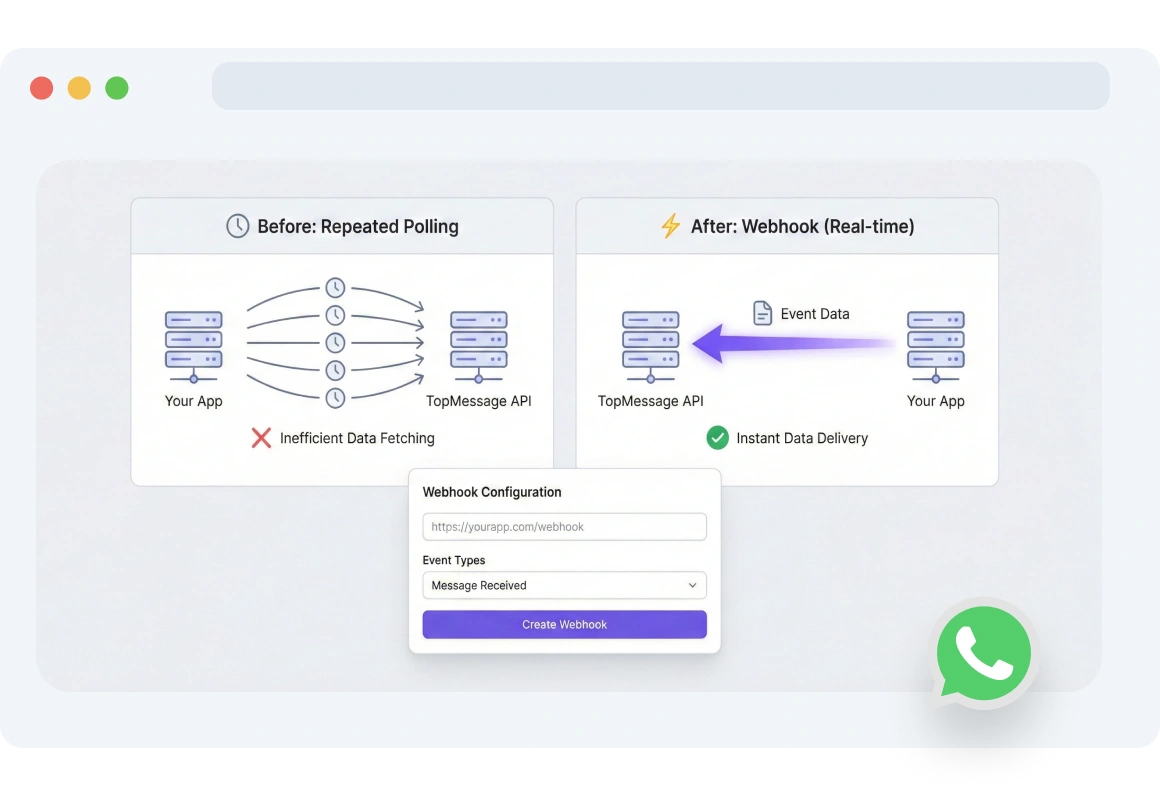
Screenshot of TopMessage interface showing WhatsApp webhook triggers setup to automate message flows whenever customers engage.

WhatsApp Webhook Triggers

Set your WhatsApp webhook triggers once, and let TopMessage automate the WhatsApp message flow whenever customers reach out or read your messages.
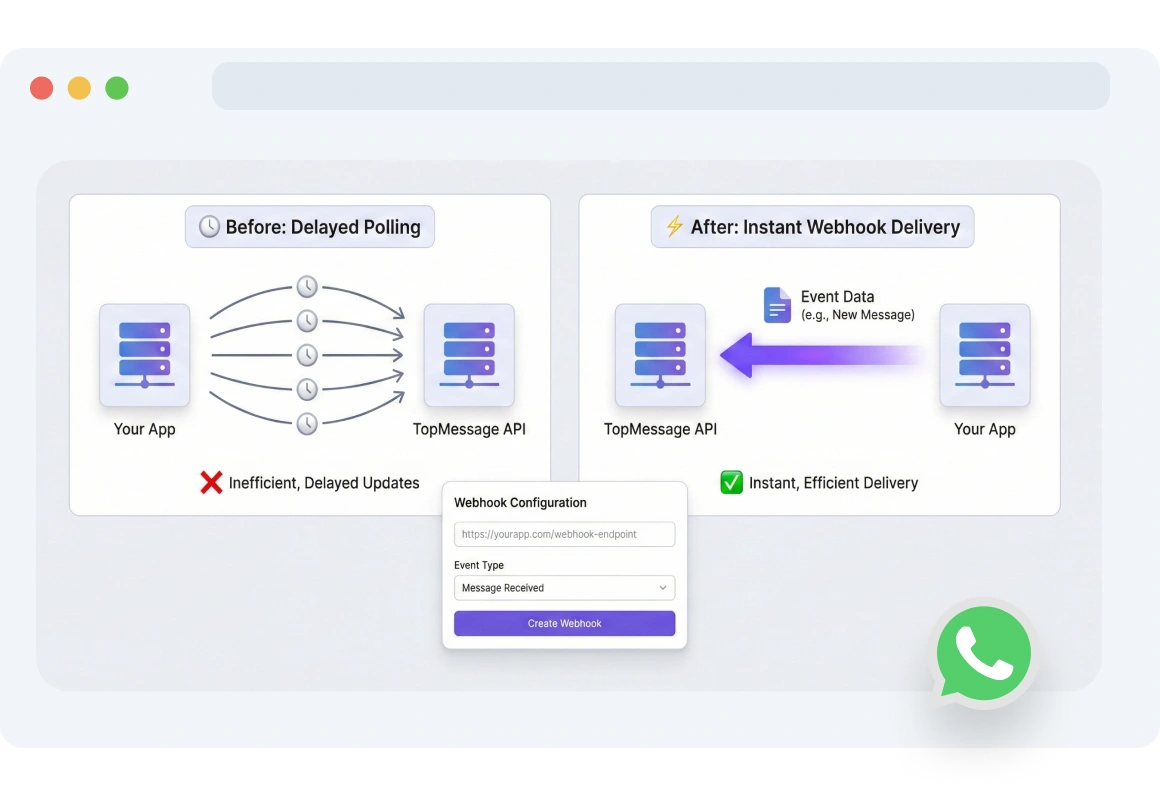
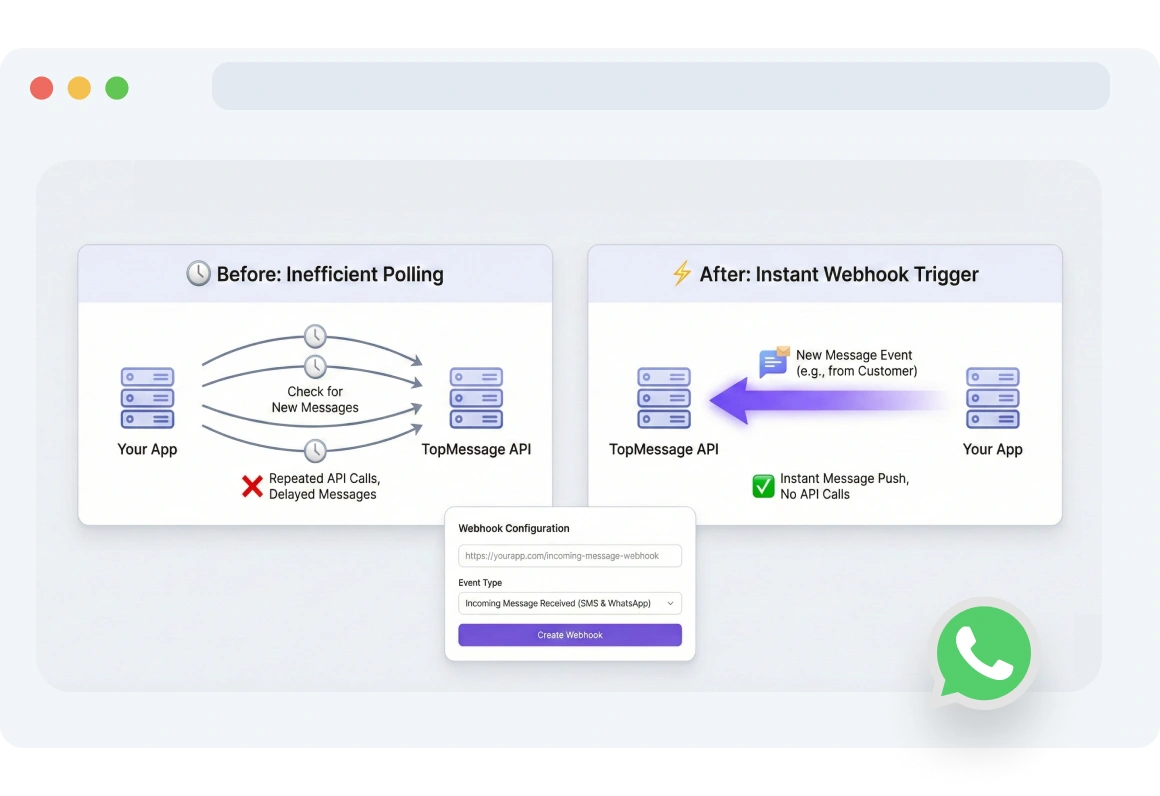
Dashboard showing TopMessage pushing real-time WhatsApp updates to an app, eliminating manual polling or extra API calls.

Real-time Notifications

TopMessage webhooks push WhatsApp updates straight to your app. No polling, no extra API calls.
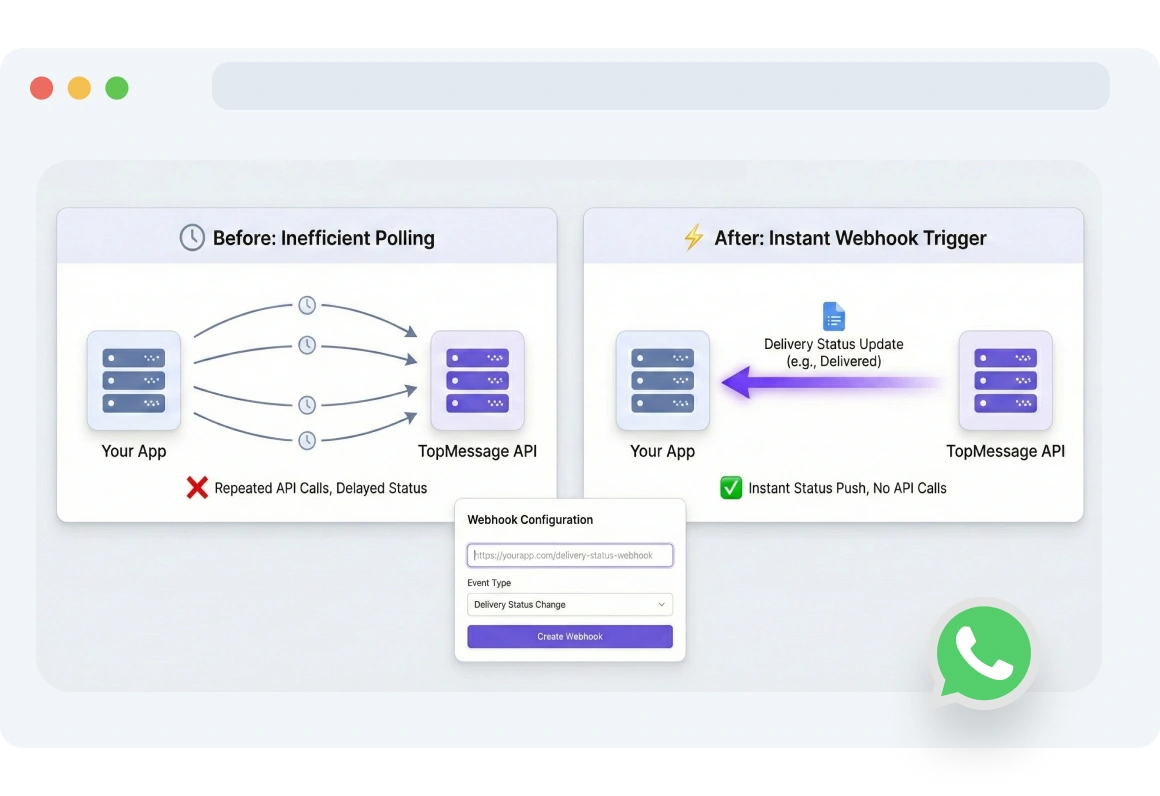
Interface displaying TopMessage status webhook notifications triggered when a customer opens or reads a WhatsApp message.

Status Webhooks

TopMessage triggers your webhook the instant a customer opens or reads your message, keeping you instantly in sync.

Screenshot of TopMessage message webhook dashboard receiving instant notifications for new WhatsApp messages.

Message Webhooks

Never miss a WhatsApp message. With Message Webhooks, receive instant notifications in your app whenever a new WhatsApp message arrives.

Diagram showing TopMessage automatically retrying failed WhatsApp webhook deliveries due to network or server issues.

Retry Mechanism

Network failures or server downtime? WhatsApp’s webhook retry logic automatically retries failed deliveries so you never miss an important notification.

FAQs

What are WhatsApp webhooks and how do they work?

WhatsApp webhooks are automated notifications sent to your server when events like messages or status updates occur, allowing real-time automation.

How can I set up WhatsApp webhook endpoints?

You can set up WhatsApp webhook endpoints by creating a secure server URL, linking it to your WhatsApp API, verifying it, and testing for correct event delivery.

What events can trigger WhatsApp webhooks?

WhatsApp webhooks can be triggered by incoming messages, message status updates, user interactions with buttons, message failures, and automated flow events.

How do retry mechanisms work for WhatsApp webhooks?

If a webhook fails due to network or server issues, WhatsApp automatically retries delivery to ensure no critical notifications are missed.

What are the benefits of using WhatsApp webhooks for message automation?
Using WhatsApp webhooks enables instant automated responses, reliable message delivery, real-time flow automation, and tracking of user interactions.

WhatsApp Webhooks

Ready to see it in action?

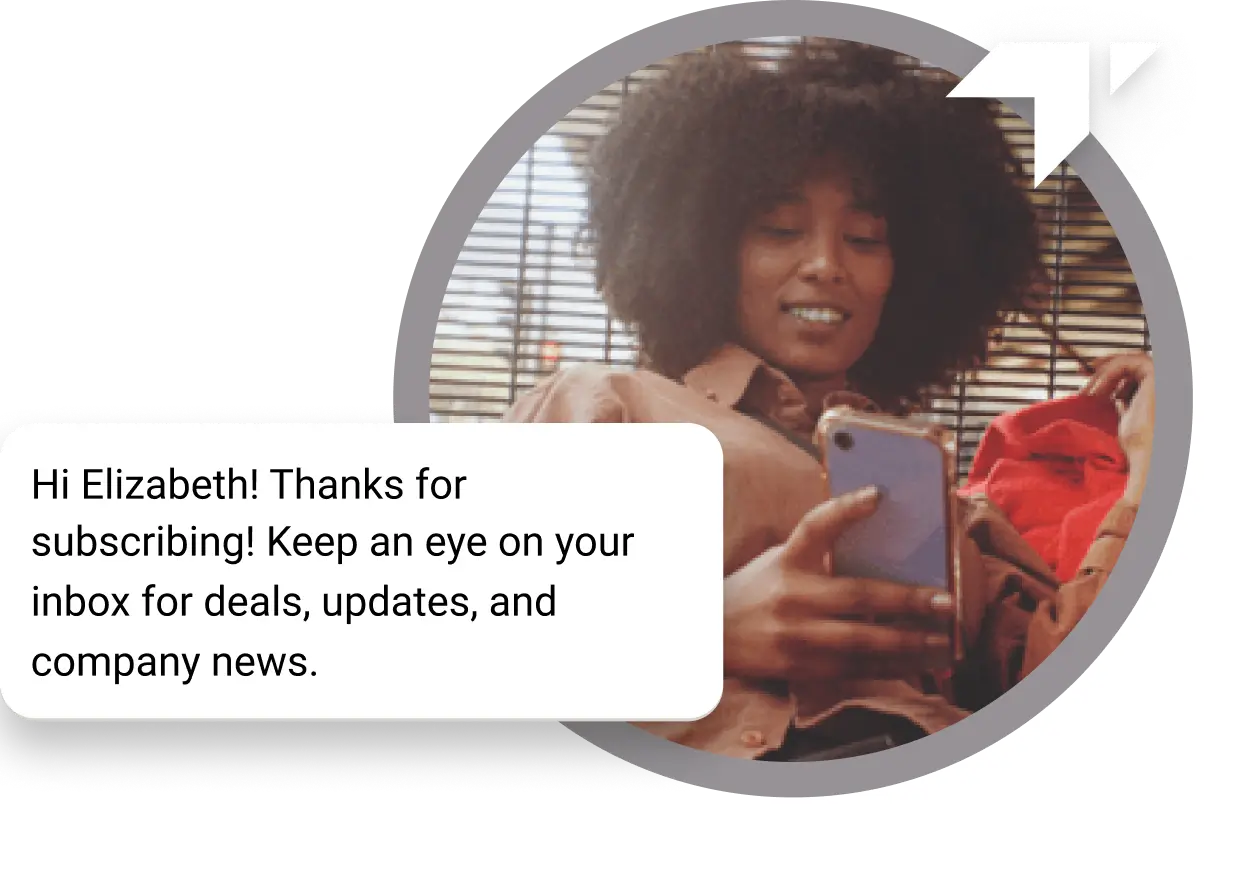
Curly-haired girl sitting on the floor checking her phone for a “Thank You” message received for her subscription