Handle Messages Based on Priority

Prioritize inbox messages to address urgent information quickly without compromising workflow efficiency.

Prioritize messages
Check

No credit card required

Screenshot of TopMessage dashboard showing real-time message prioritization and analytics.
Screenshot of TopMessage interface displaying message prioritization setup and performance metrics.
Business user smiling at their computer after a high-priority message appears in TopMessage.
Team member checking their dashboard as high-priority messages are updated in real time.
User monitoring multiple prioritized messages and workflow updates in TopMessage.
Developer reviewing message prioritization logs to ensure correct handling and delivery.

Message Prioritization

Push urgent messages to the top of the queue so agents can address them first.

Prioritizing messages lets you focus on key contacts while optimizing staffing and workflow efficiency.

Check

No credit card required

Available Channles

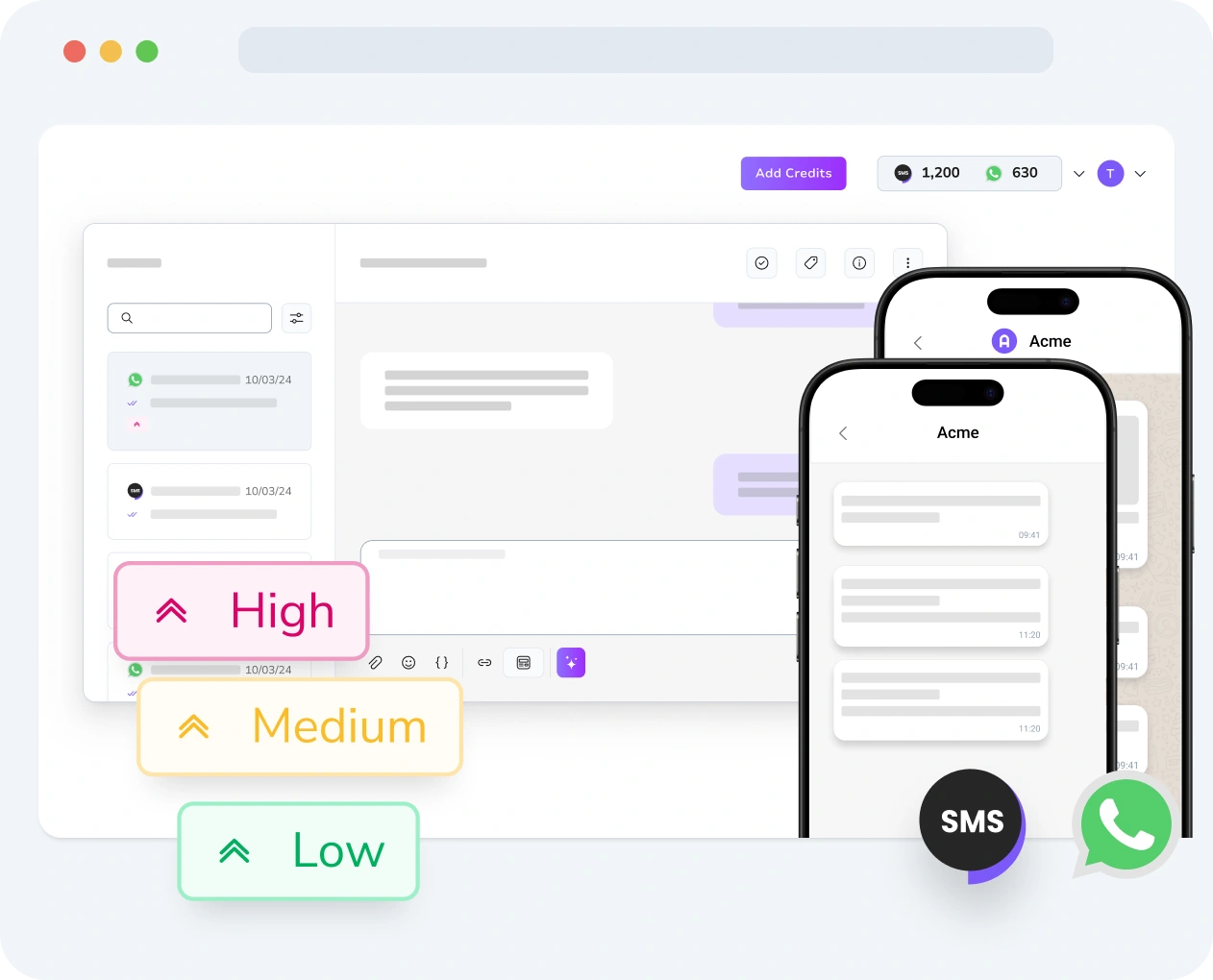
Unified Message Prioritization Across Channels

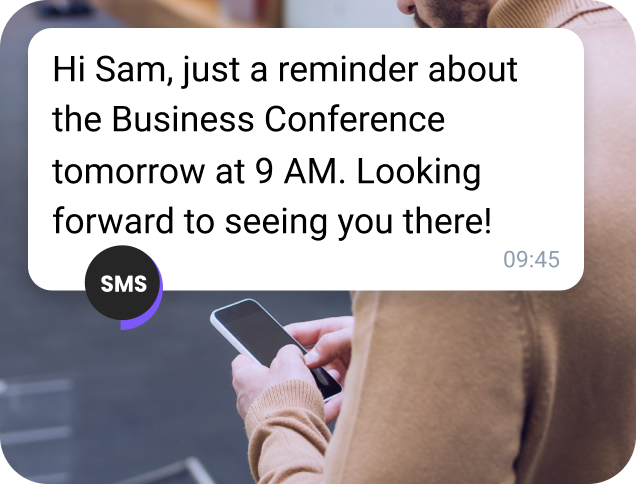
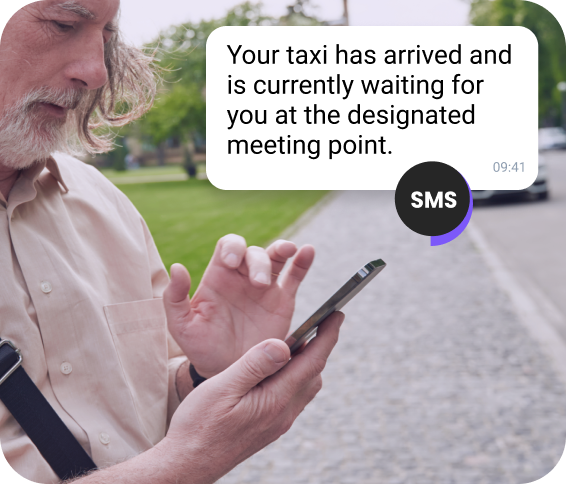
SMS Message Prioritization

SMS Message Prioritization

Keep high-priority SMS messages at the top of your chat.

Explore more Next icon
WhatsApp Message Prioritization

WhatsApp Message Prioritization

Respond quickly to top-priority WhatsApp conversations.

Explore more Next icon

App to Prioritize Text Messages

Discover How TopMessage Helps You Prioritize Messages
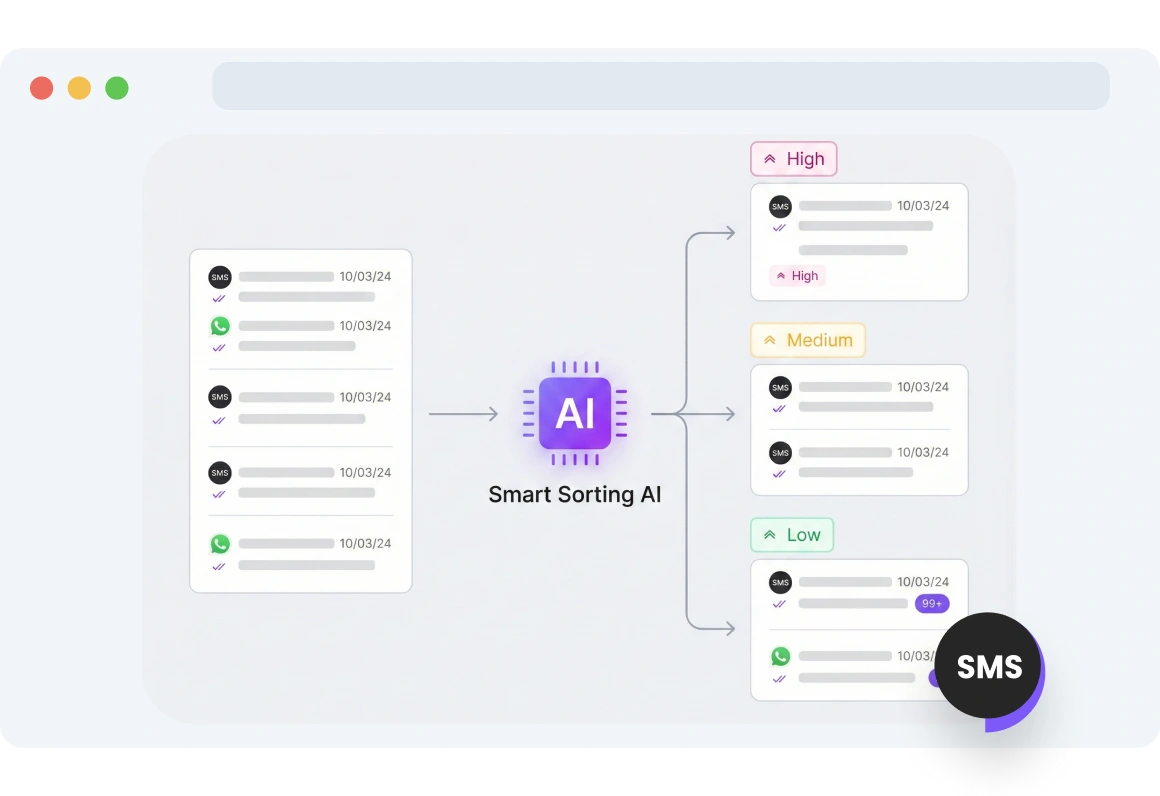
Screenshot of TopMessage inbox showing smart sorting of messages, with urgent conversations automatically prioritized across all channels.

Smart Sorting

Smart Sorting helps you efficiently manage a high-volume inbox by automatically prioritizing the most urgent messages across all channels.
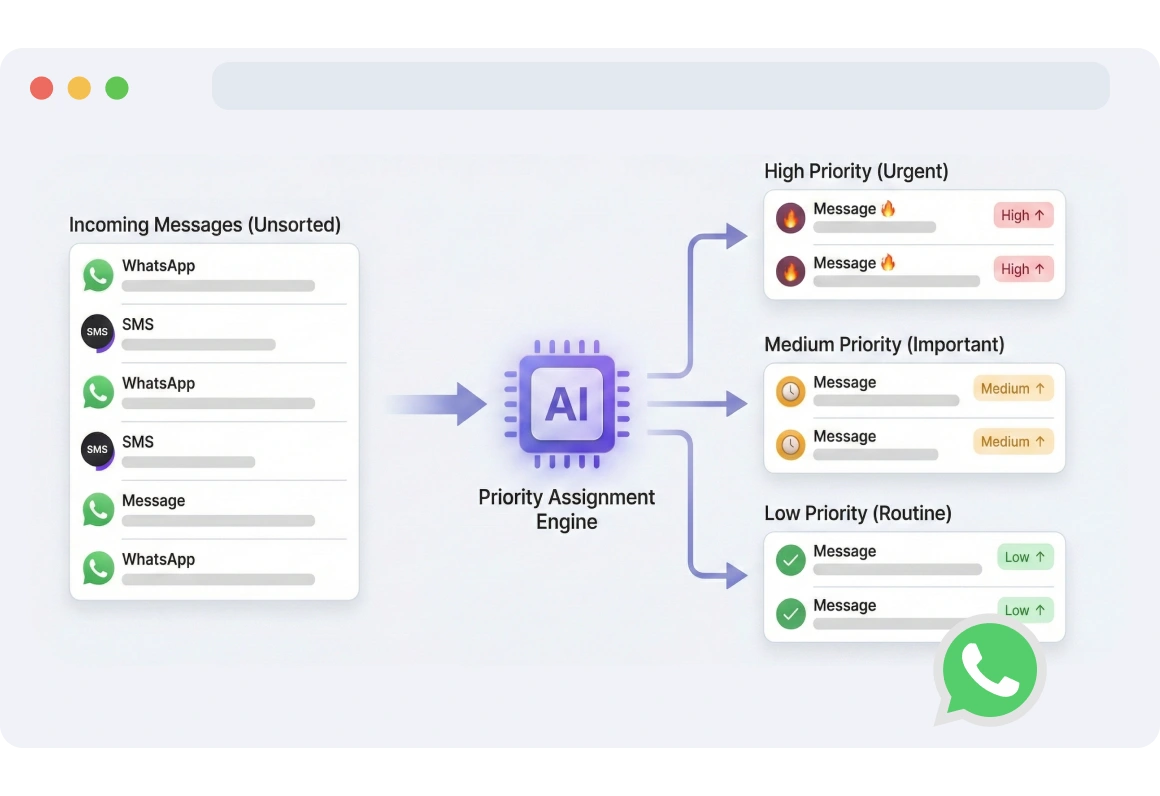
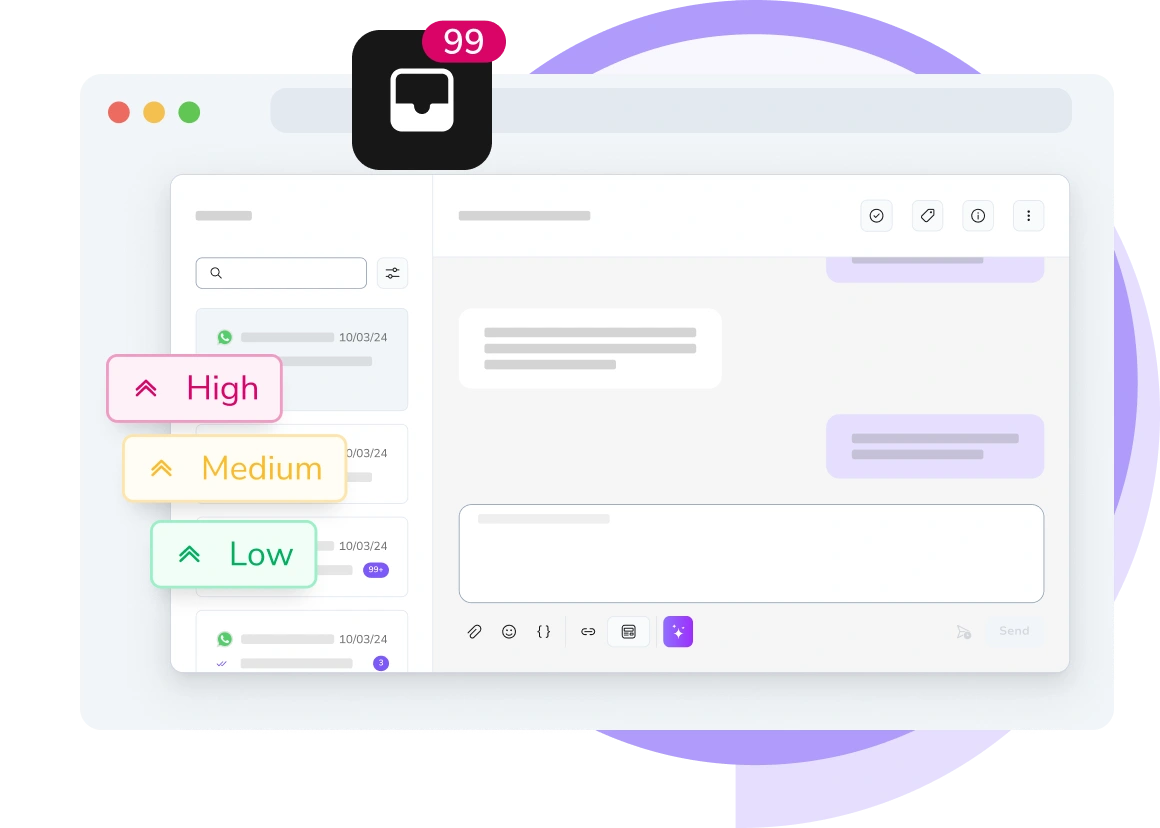
Interface displaying low, medium, and high priority levels assigned to incoming messages, helping agents focus on the most urgent issues first.

Multilevel Priority

Assign low, medium, or high priority to incoming messages so agents can quickly focus on the most urgent issues.
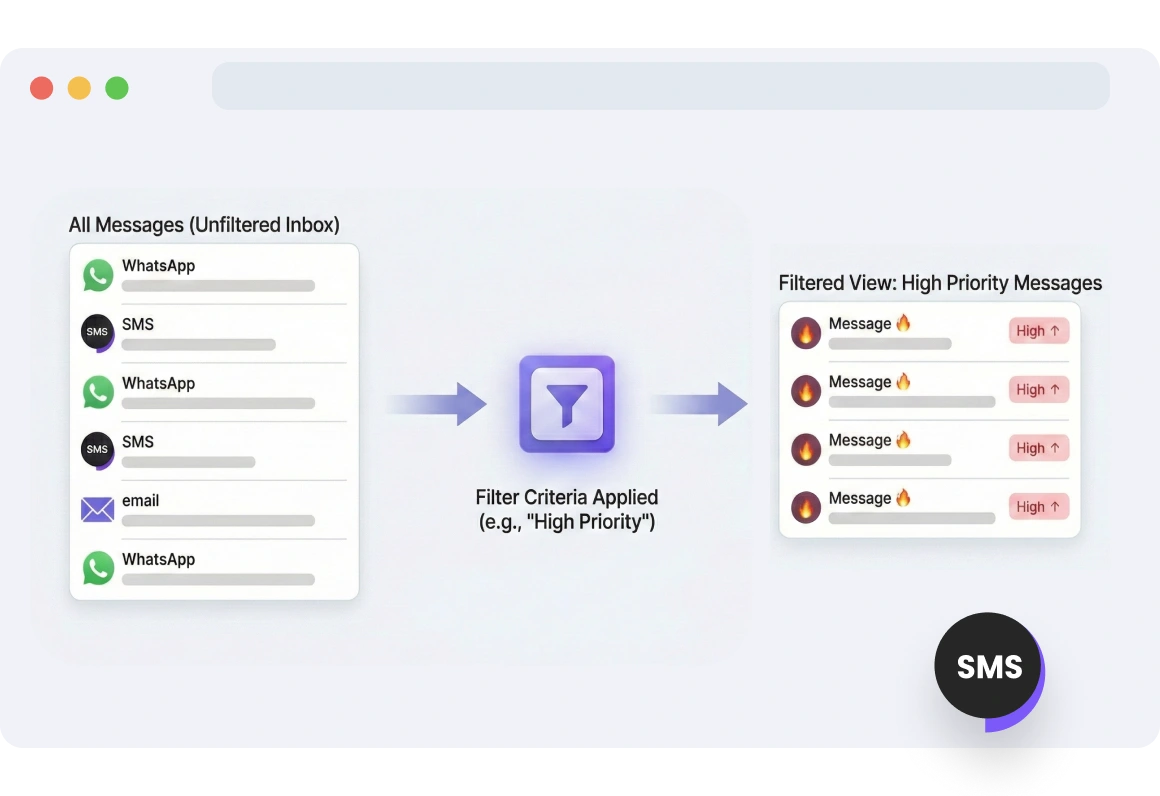
Dashboard view showing filtered high-priority customer conversations, allowing the team to efficiently manage and focus on critical messages.

Filter by Criteria

Filter and efficiently manage customer conversations in your inbox. Create a dedicated view for all high-priority messages, ensuring your team knows exactly where to focus their attention.

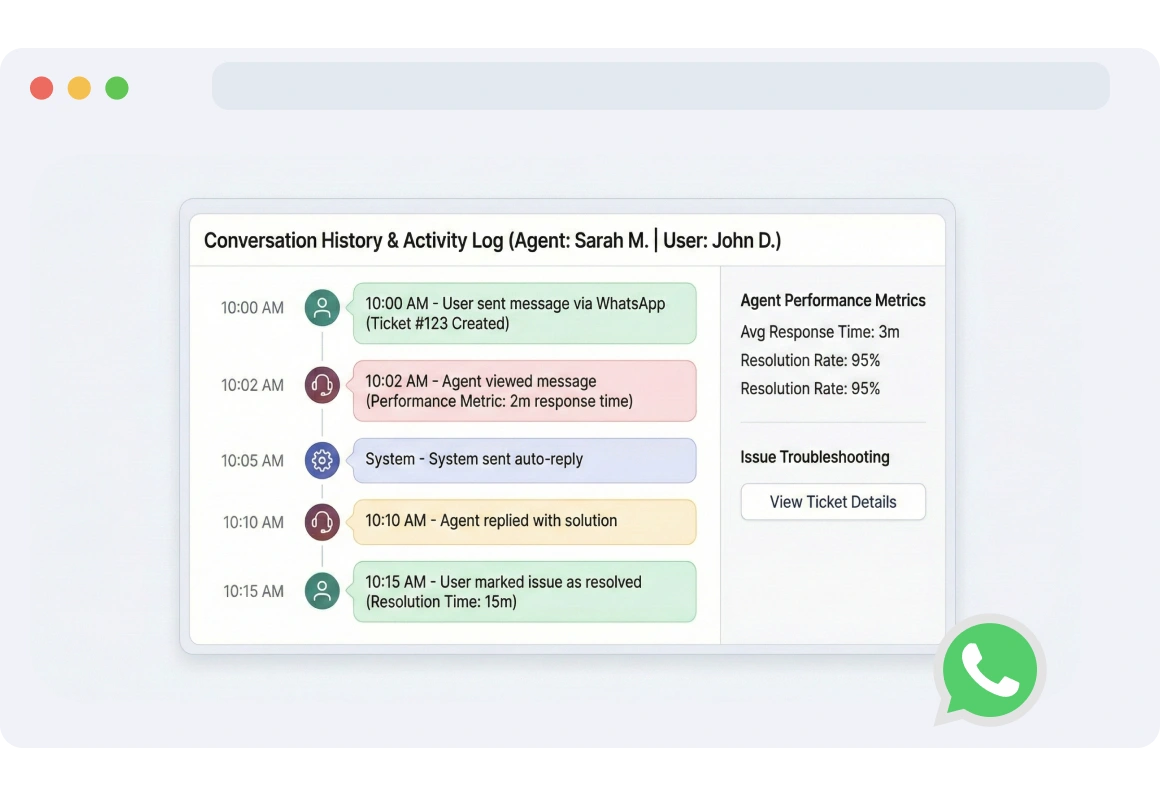
TopMessage interface tracking and analyzing conversation history between agents and end users, used to assess agent performance or troubleshoot issues.

Activity Tracking & History

Track and analyze conversation history between your agents and end users to assess agent performance or troubleshoot issues.

FAQs

What is conversation prioritization and how does it work with TopMessage?

Conversation prioritization in TopMessage lets you automatically or manually assign urgency levels to messages, helping your team focus on the most important conversations first.

How can I update message priority based on urgency?

You can update message priority by manually setting low, medium, or high priority or by using rules to automatically assign priority based on message content or sender.

What are the benefits of filtering messages based on priority?

Filtering messages by priority helps your team focus on the most urgent conversations, streamline workflow, and respond more efficiently to critical issues.

How can I use conversation prioritization for SMS and WhatsApp?

TopMessage allows you to apply conversation prioritization to both SMS and WhatsApp channels, ensuring urgent messages are surfaced first across all communication platforms.

Message Prioritization

Explore TopMessage’s powerful messaging prioritization features.
Curly-haired girl sitting on the floor checking her phone for a “Thank You” message received for her subscription