Webhooks for Real-Time Event Notifications

Set up webhooks and get instant updates. TopMessage triggers your webhook automatically for new messages and status changes.

Set up webhook
Check

No credit card required

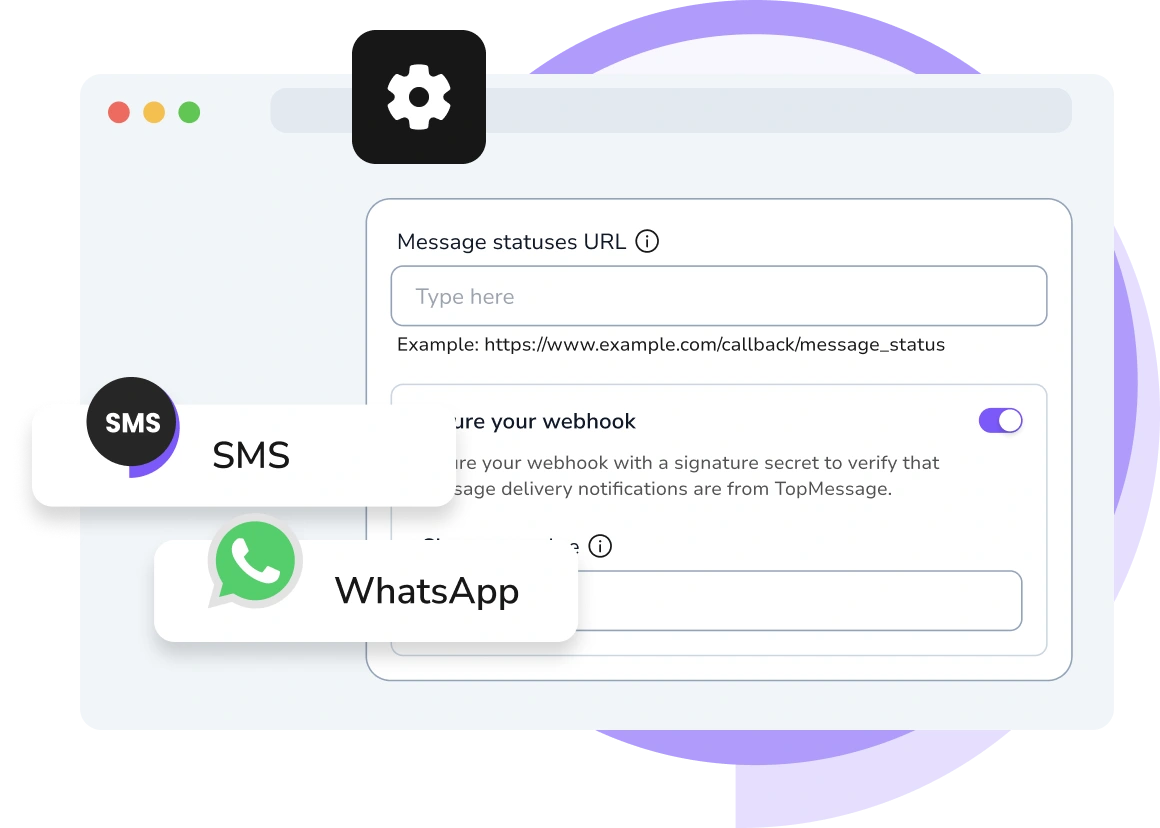
Screenshot of TopMessage webhook dashboard showing real-time event tracking and analytics.
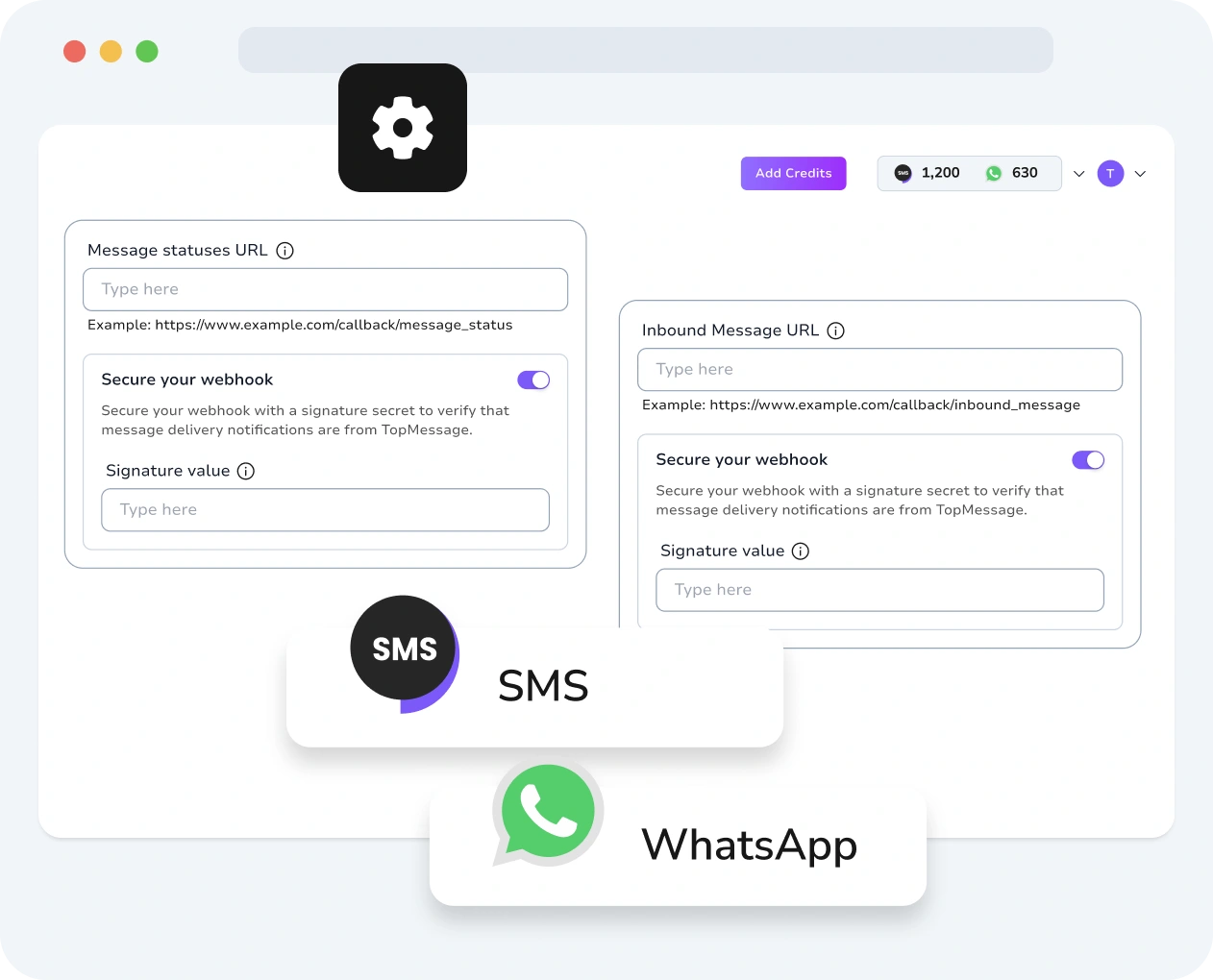
Screenshot of TopMessage interface displaying webhook creation and configuration with performance metrics.
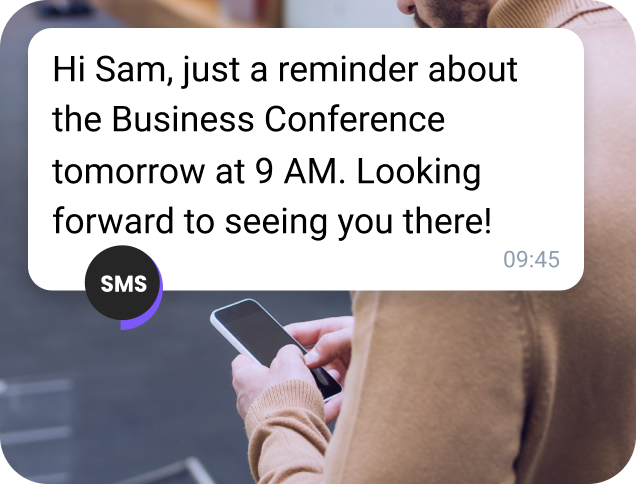
Business user smiling at their computer after receiving a notification triggered by a TopMessage webhook.
Team member checking their dashboard as a webhook event updates in real-time on TopMessage.
User monitoring multiple webhook events and system responses in the TopMessage interface.
Developer reviewing TopMessage webhook logs to ensure proper integration and event handling.

Automated Workflows via Webhooks

Select the events you want to subscribe to and configure webhooks in your TopMessage account. TopMessage will automatically send you real-time, event-driven notifications.

Use incoming webhook data to build powerful automated responses and event-based workflows directly within your app.

Check

No credit card required

Available Channles

Setting Up Your Webhooks

SMS

SMS

Get real-time updates on SMS delivery status.

Explore more Next icon
WhatsApp

WhatsApp

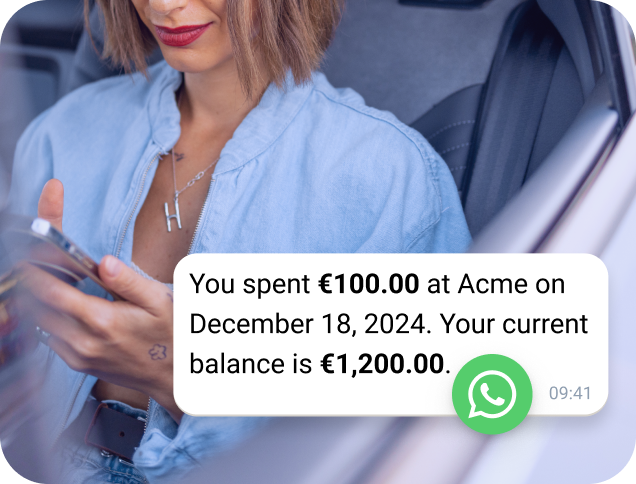
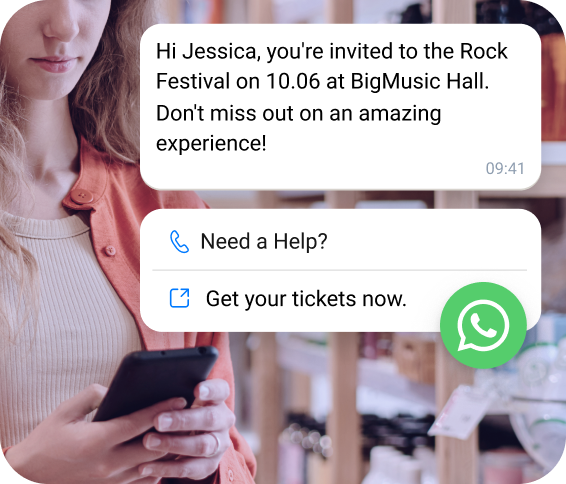
Create automated WhatsApp workflows

Explore more Next icon

Webhook Integrations

Get Instant Updates When Data Changes
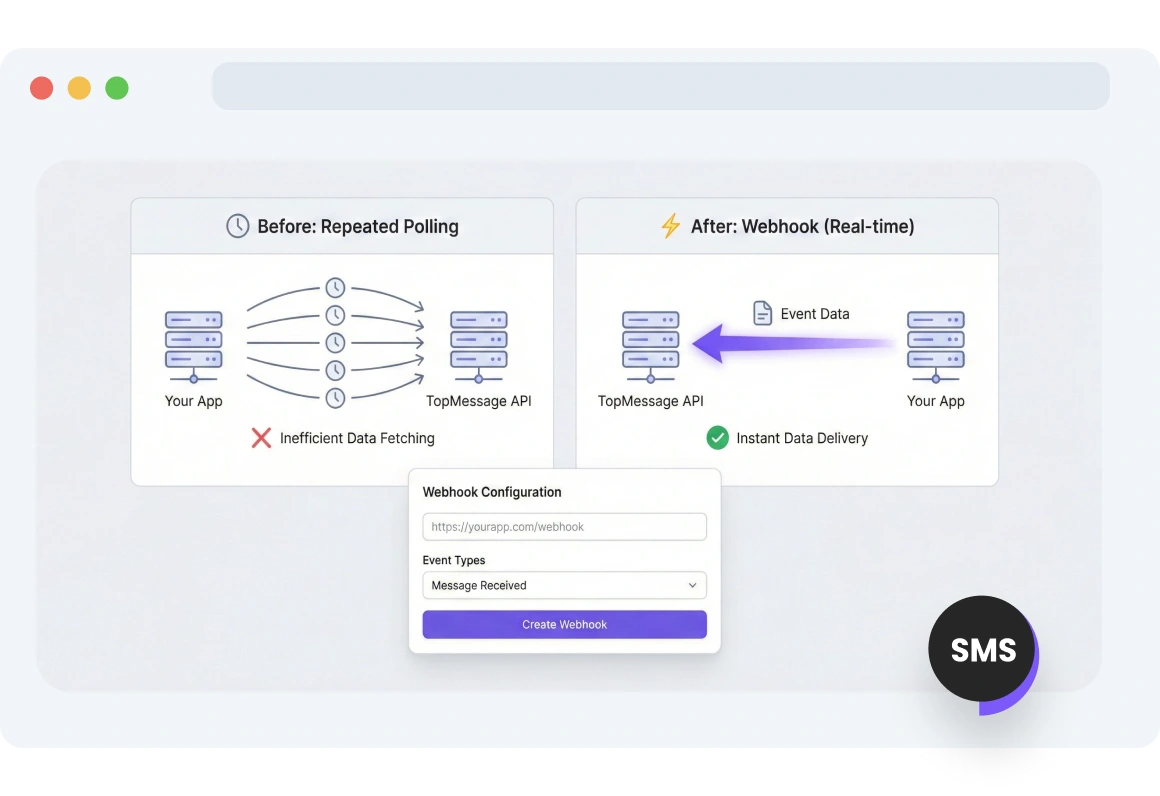
Screenshot of TopMessage interface showing webhook endpoint setup for direct event delivery to an app.

Webhook Endpoints Setup

No repeated API requests needed. Set up a webhook and get TopMessage events delivered directly to your app.
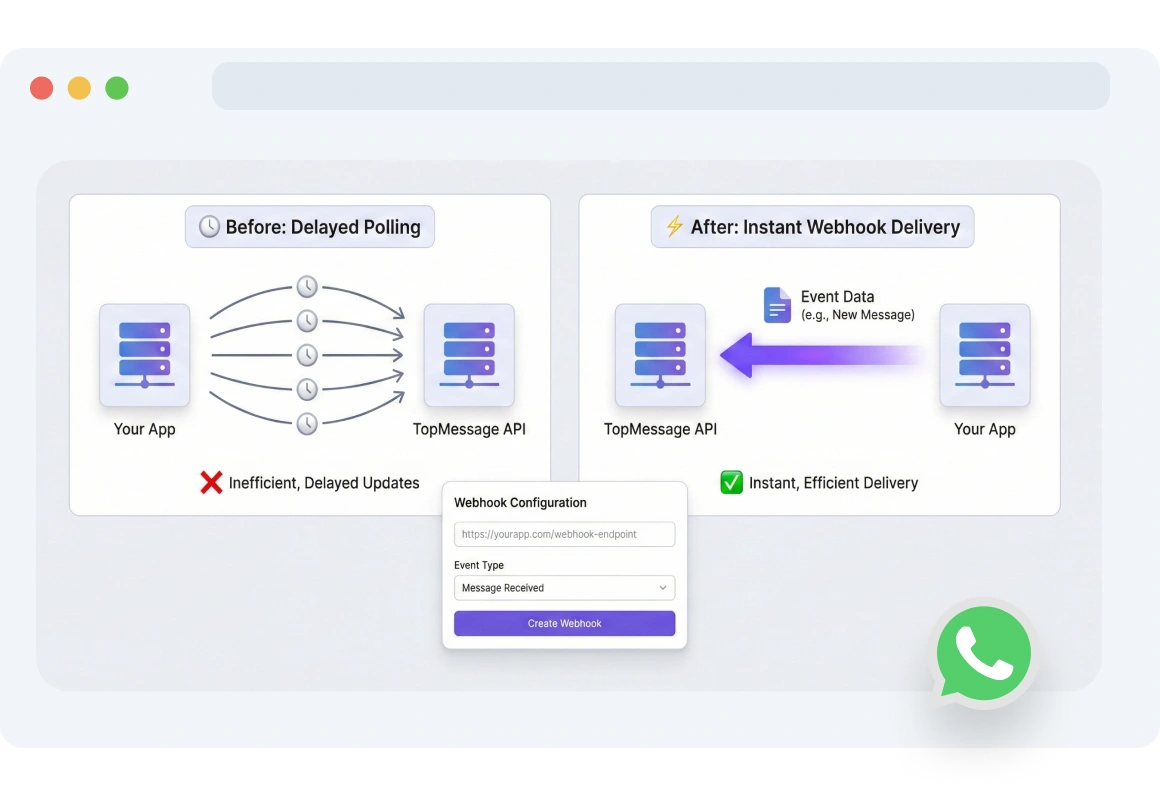
Dashboard showing TopMessage delivering real-time webhook events to an app as they occur.

Real-time Webhook Notifications

Once you set up your webhook endpoints, TopMessage automatically delivers real-time event data to your app as events occur.
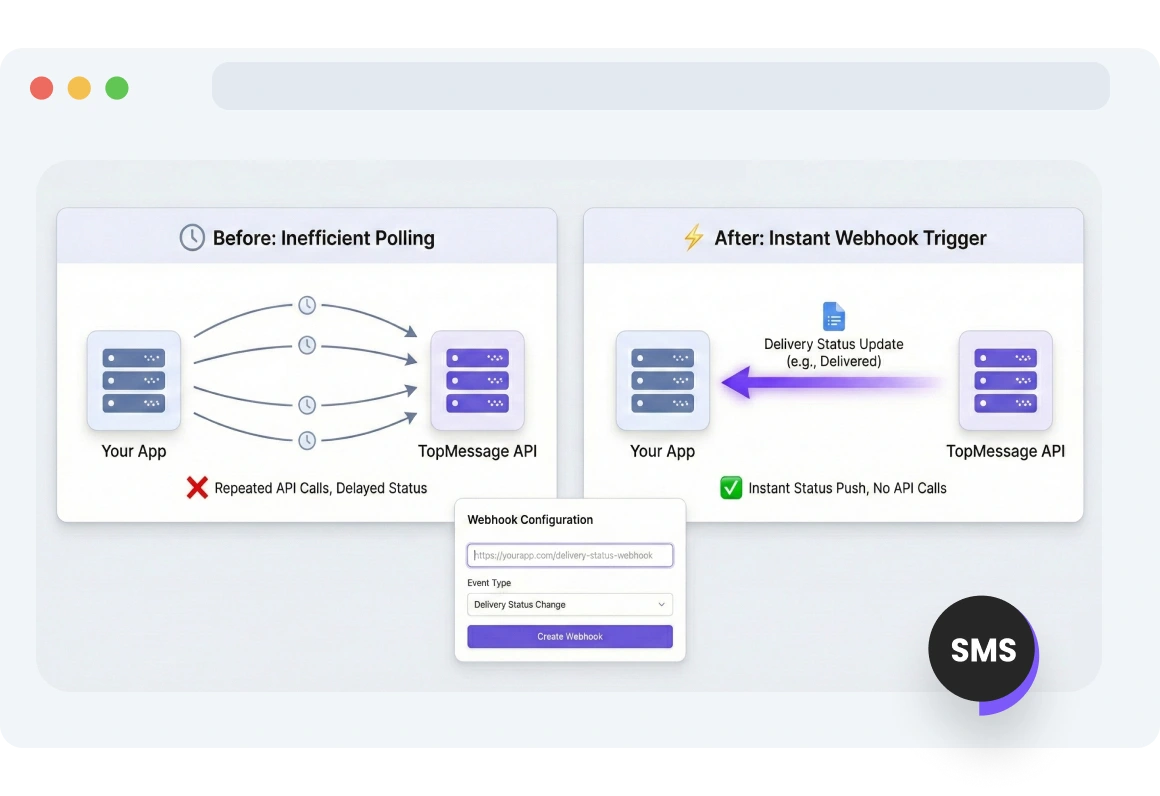
Interface displaying TopMessage webhooks triggering instant delivery status updates for SMS and WhatsApp messages.

Webhook Trigger for Delivery Status

Stay informed of message delivery status instantly through webhooks, eliminating unnecessary API calls.
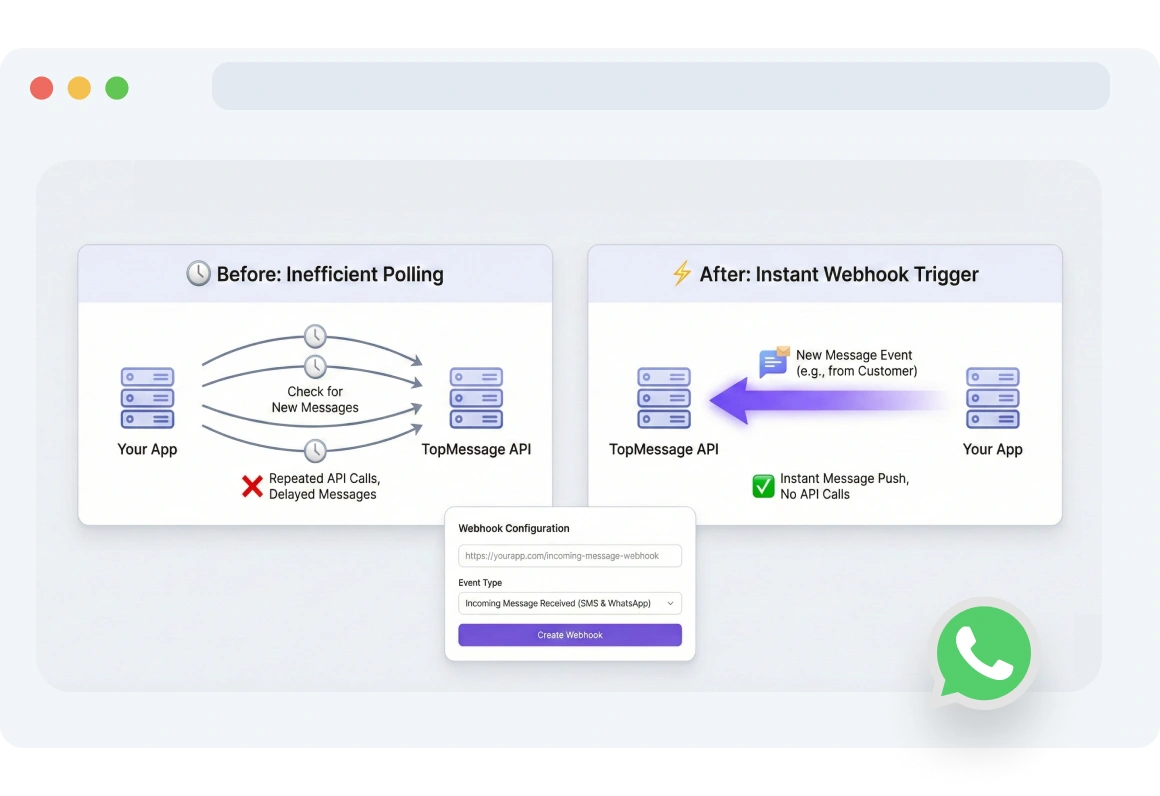
Screenshot of TopMessage webhook dashboard showing incoming SMS and WhatsApp messages delivered to an app.

Webhook Trigger for Incoming Messages

Receive all messages sent to your TopMessage SMS or WhatsApp numbers in your app.
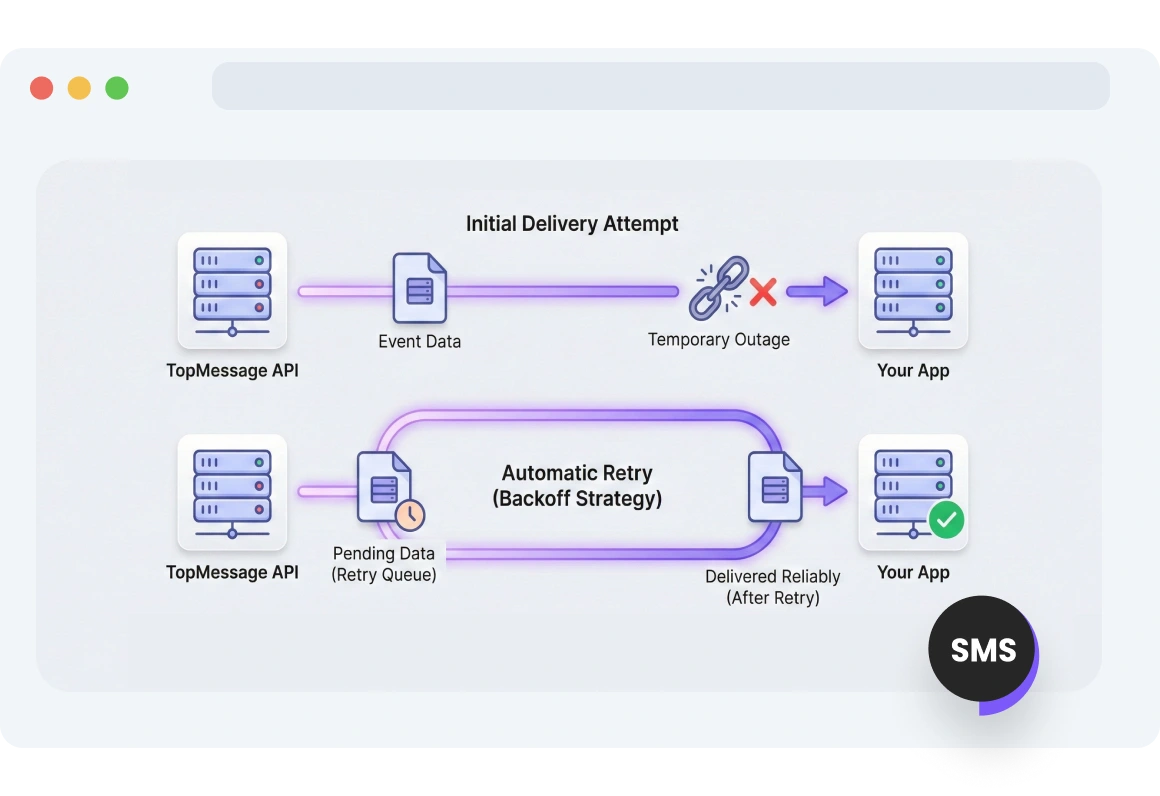
Diagram showing TopMessage automatically retrying webhook deliveries during temporary network or server outages.

Automatic Retry Mechanism

Stay informed at all times. Updates are delivered reliably, even if temporary outages occur.

FAQs

What are webhooks and how do they work with TopMessage?

Webhooks allow TopMessage to send real-time event data directly to your application. Instead of polling the API, your app receives updates automatically as events occur.

How can I set up webhook endpoints?

You can set up webhook endpoints by adding your application’s URL in the TopMessage dashboard. Once set up, TopMessage will send event payloads to that URL whenever triggered.

What events can trigger webhooks?

Events such as incoming messages and delivery status updates can trigger webhooks. These event notifications help your application stay instantly informed.

How do retry mechanisms work for webhooks?

If your endpoint fails to respond, TopMessage retries sending the event using a timed schedule. This ensures important events are not lost due to temporary issues.

What are the benefits of using webhooks for message automation?

Webhooks reduce the need for repeated API calls by pushing updates instantly. They enable faster, more efficient automation and improve real-time responsiveness.

Automated Workflows via Webhooks

Uncover the Full Potential of TopMessage Webhooks
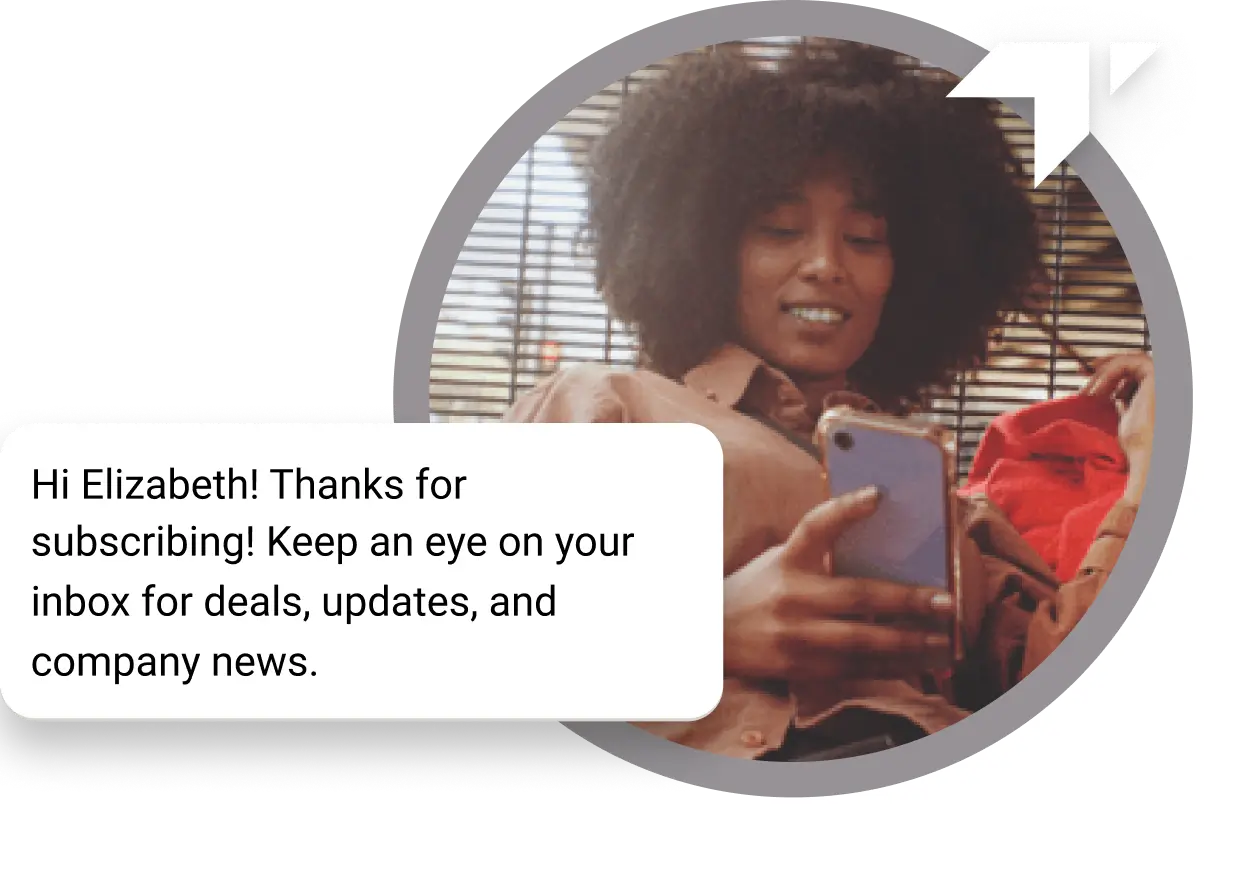
Curly-haired girl sitting on the floor checking her phone for a “Thank You” message received for her subscription